Turn on the bell, set per-category preferences, and configure quiet hours so PostGrad only pings you when it actually matters.
PostGrad can notify you when a feed you subscribe to publishes new entries, when your usage crosses a threshold, when a payment fails, and more. Defaults are reasonable; if you want finer control over what pings you and when, this walkthrough takes about 90 seconds.
Before you start: you have an active account.
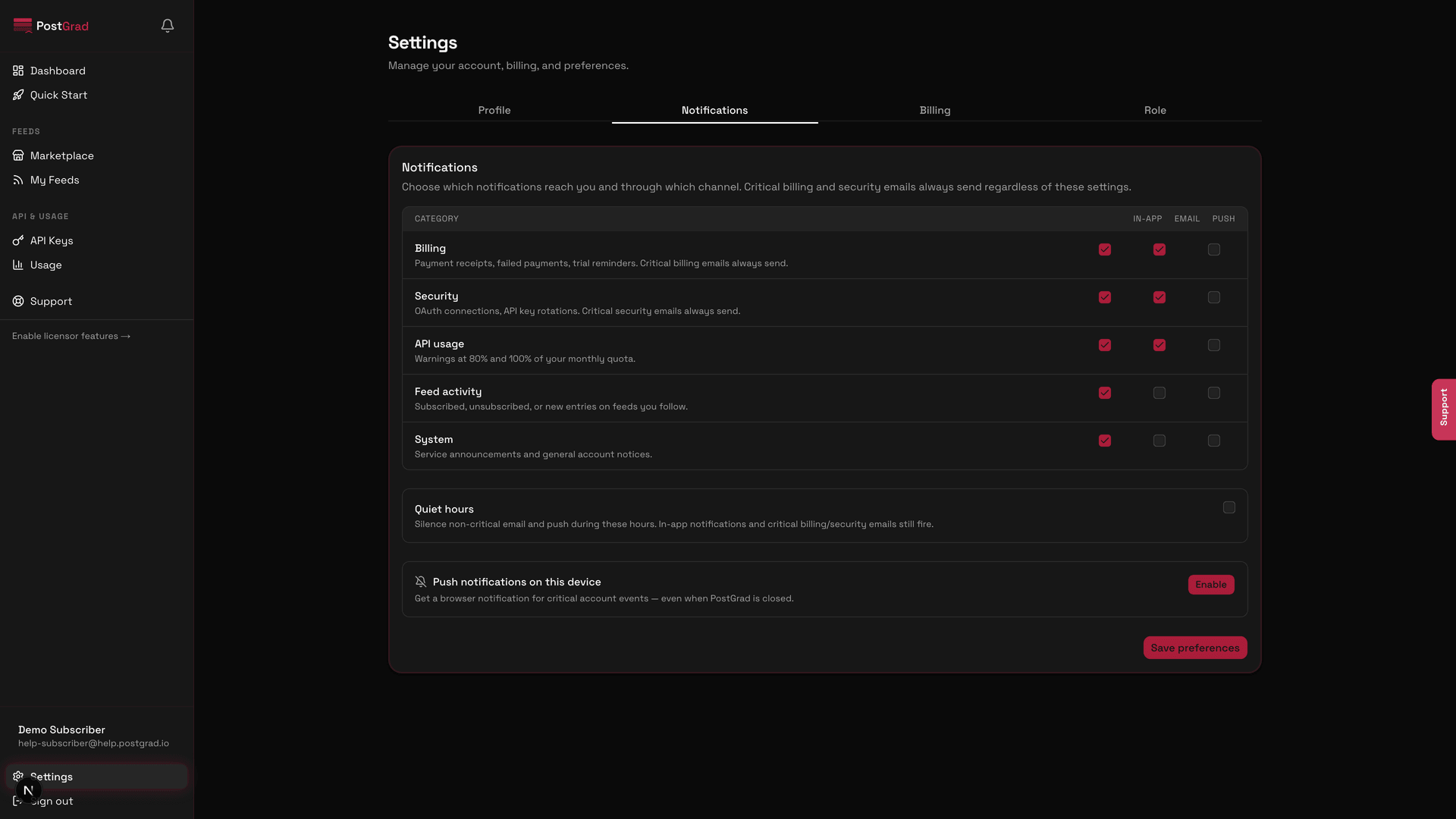
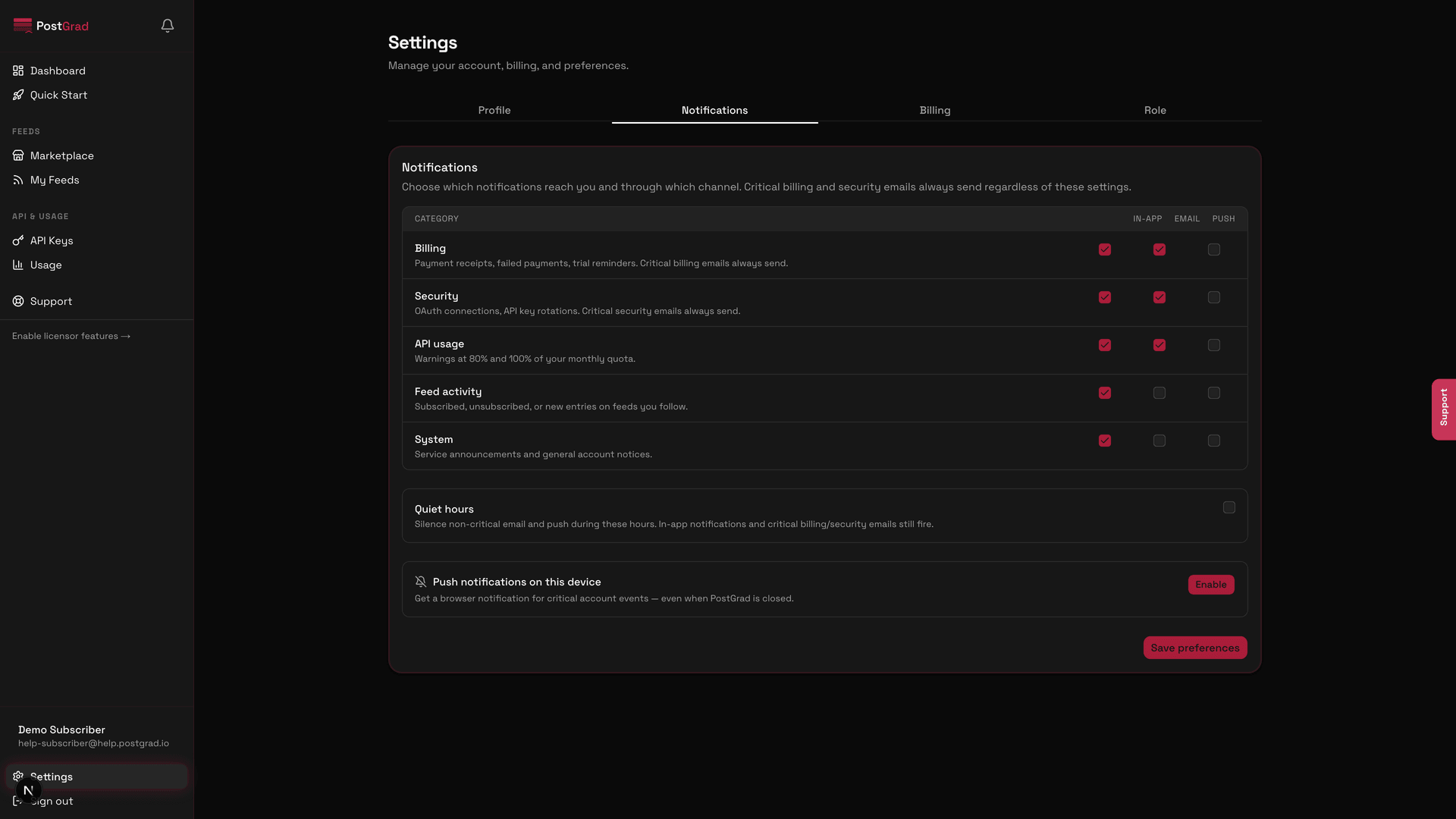
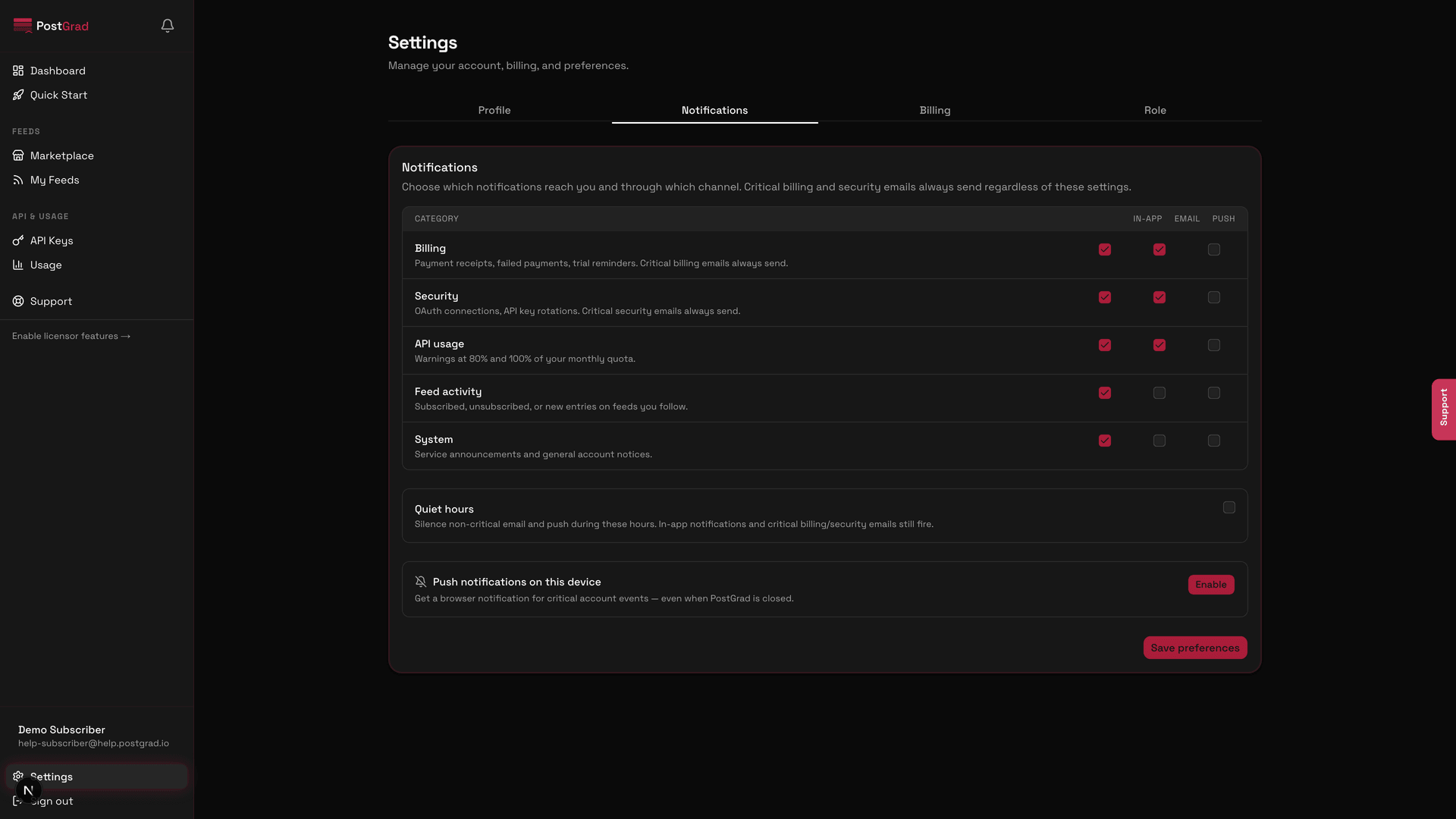
1Open Settings and switch to the Notifications tab
The Settings page with the Notifications tab selected, showing the per-category preference panel.
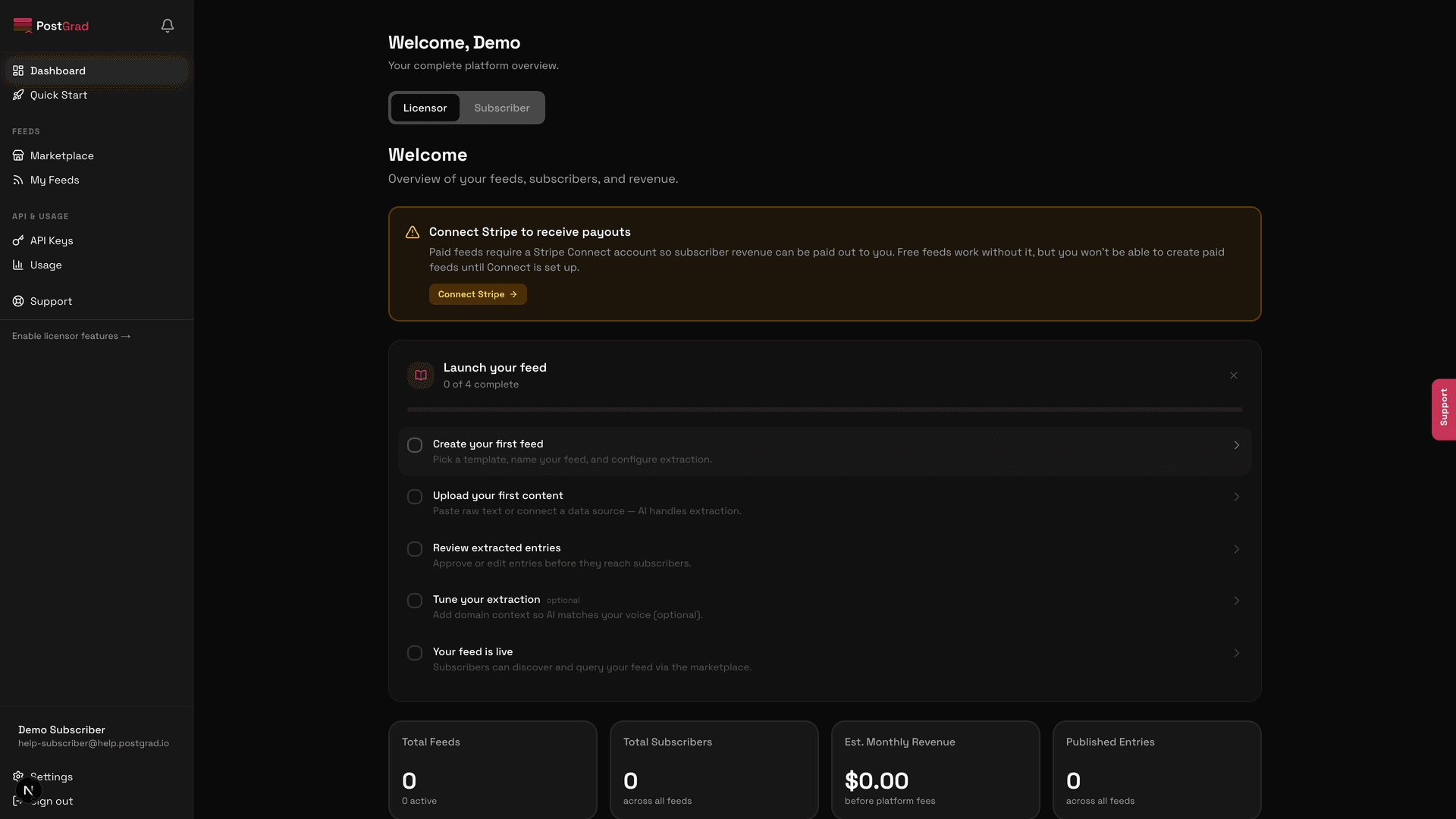
2Toggle the notification bell in the top bar
The dashboard top bar with the notification bell icon highlighted, showing an unread count badge.
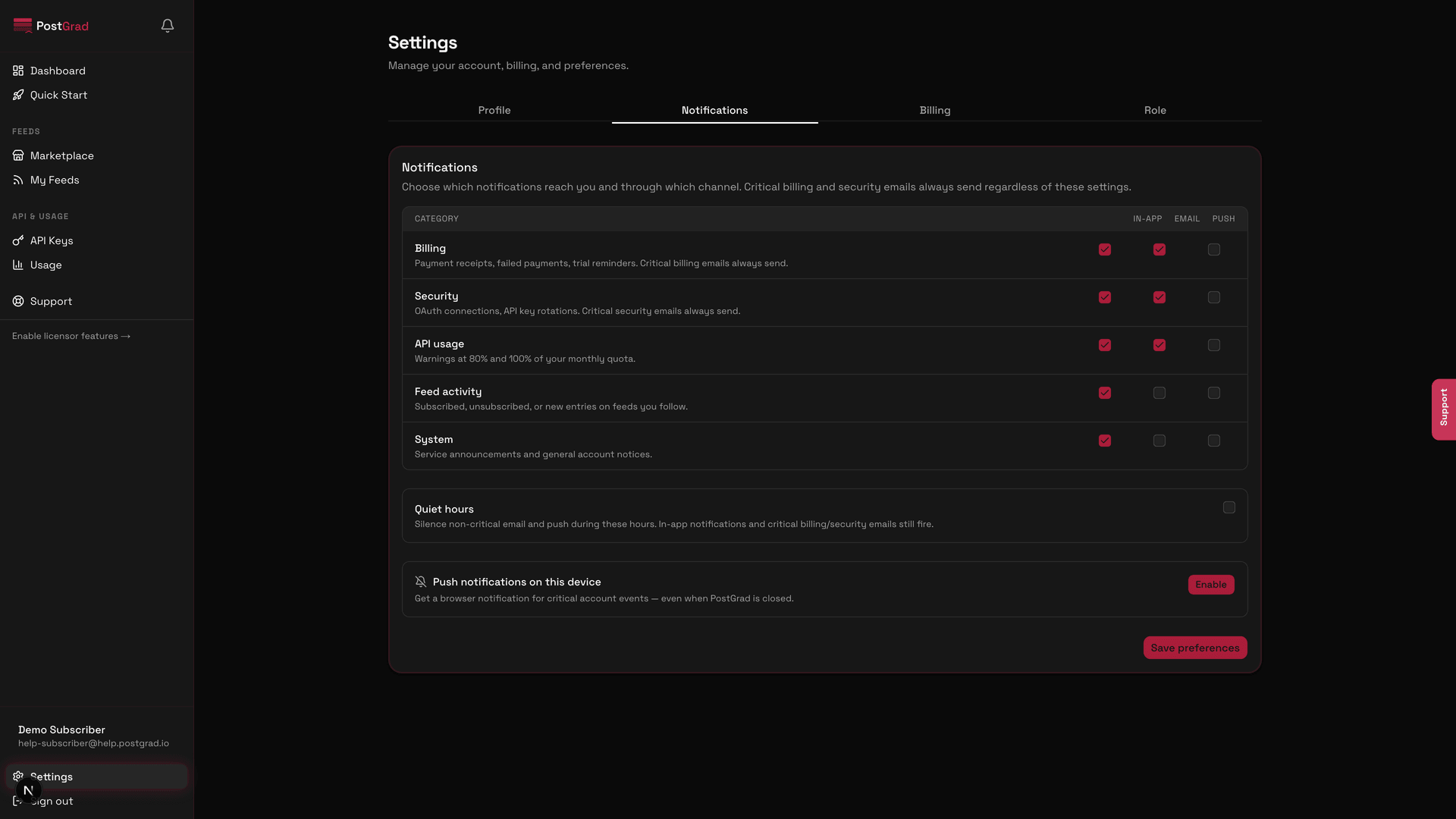
3Set per-category preferences
The Notifications tab showing individual toggles for Feed updates, Billing, Usage thresholds, and System announcements.
Each category has its own email and push toggles. You can silence push for feed updates while keeping billing emails on, for example.
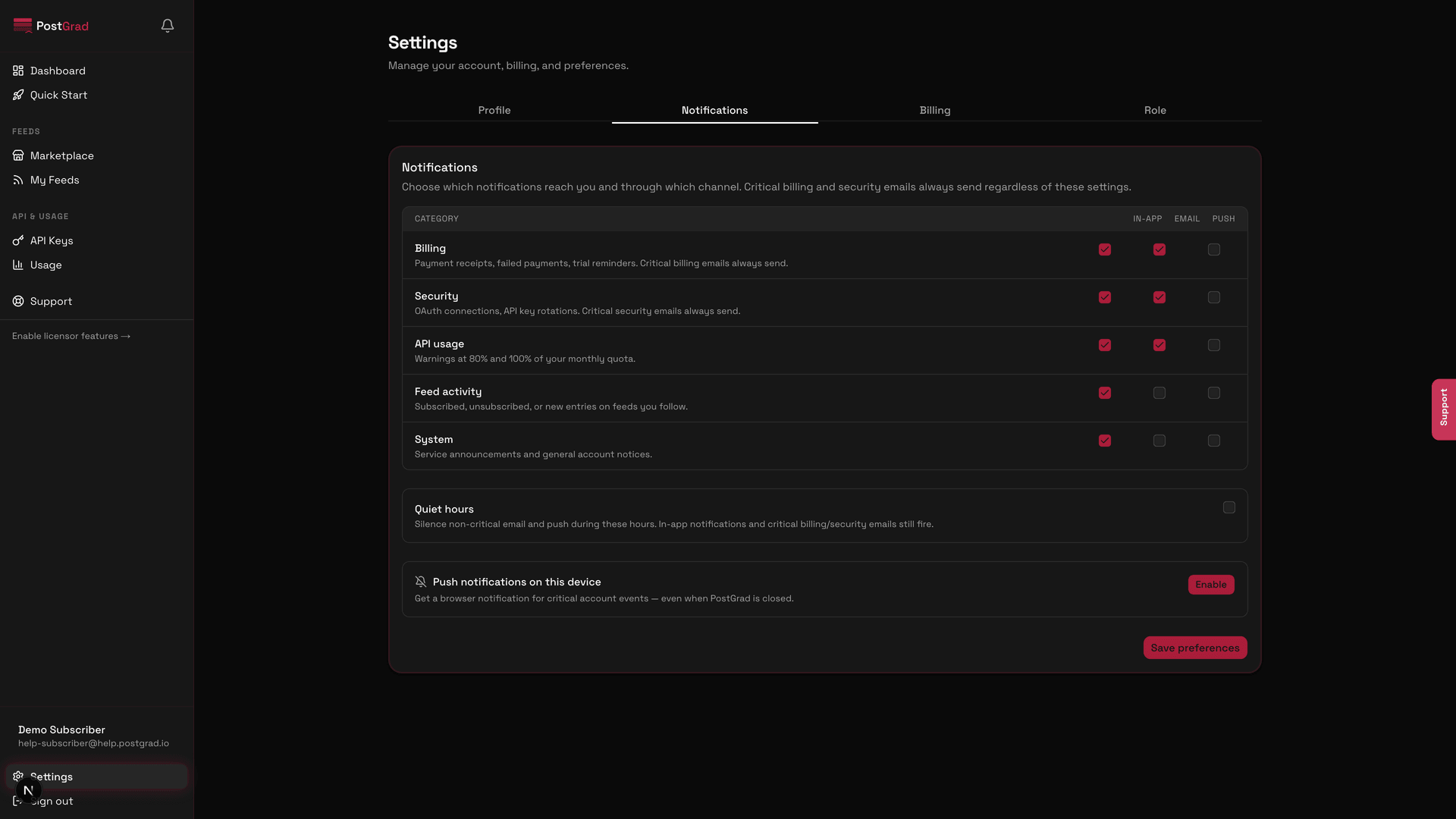
4Configure quiet hours
The Quiet Hours panel with a time-range picker and a timezone selector.
5Grant browser push permission
The browser's native permission prompt for push notifications, triggered from the Notifications tab.
Push notifications are per-device. If you want them on laptop and phone, enable on both separately.
6See the preview notification
A test notification showing the branded PostGrad push notification with a title, body, and icon.