Upgrade or downgrade your tier
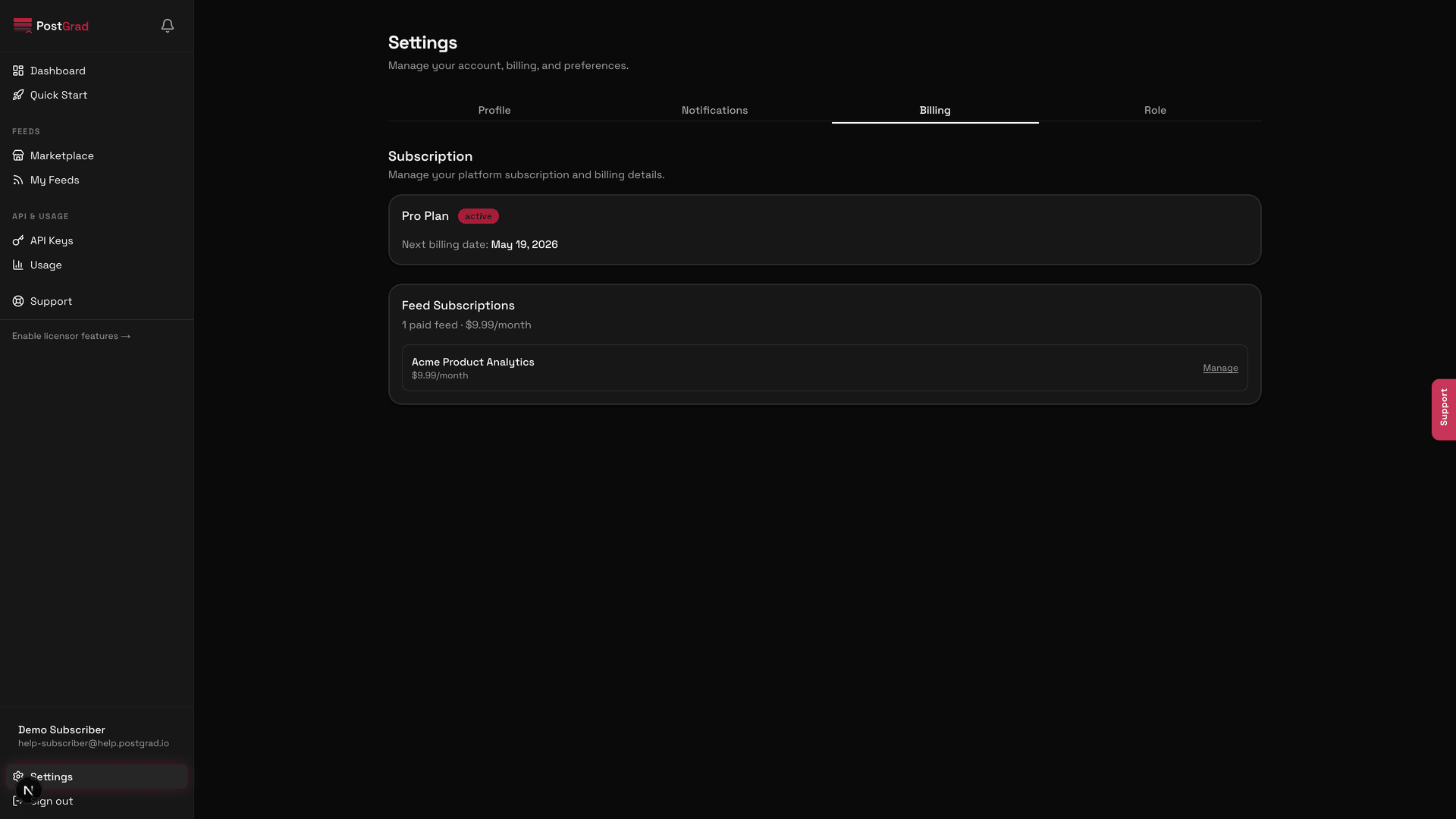
Change your subscriber plan from Starter to Pro to Scale (or back down) — the new tier takes effect at the next billing cycle.
PostGrad's tiers are designed so you can move between them as your traffic grows or contracts. Upgrades take effect immediately; downgrades take effect at the start of your next billing cycle so you don't lose the tier you already paid for.
Before you start: you're signed in and have an active subscriber plan.
Open Billing from the sidebar
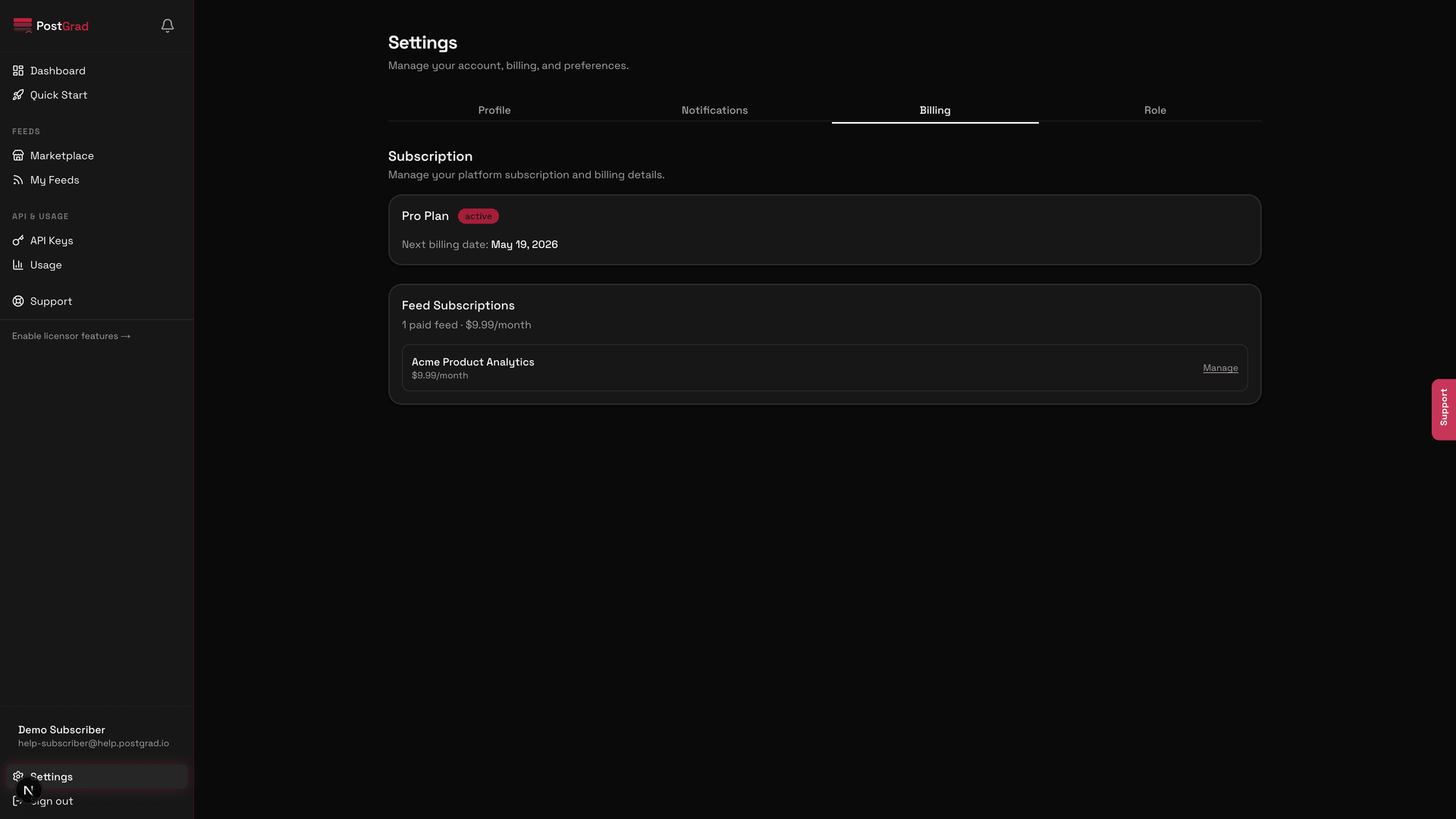
Click "Change plan"
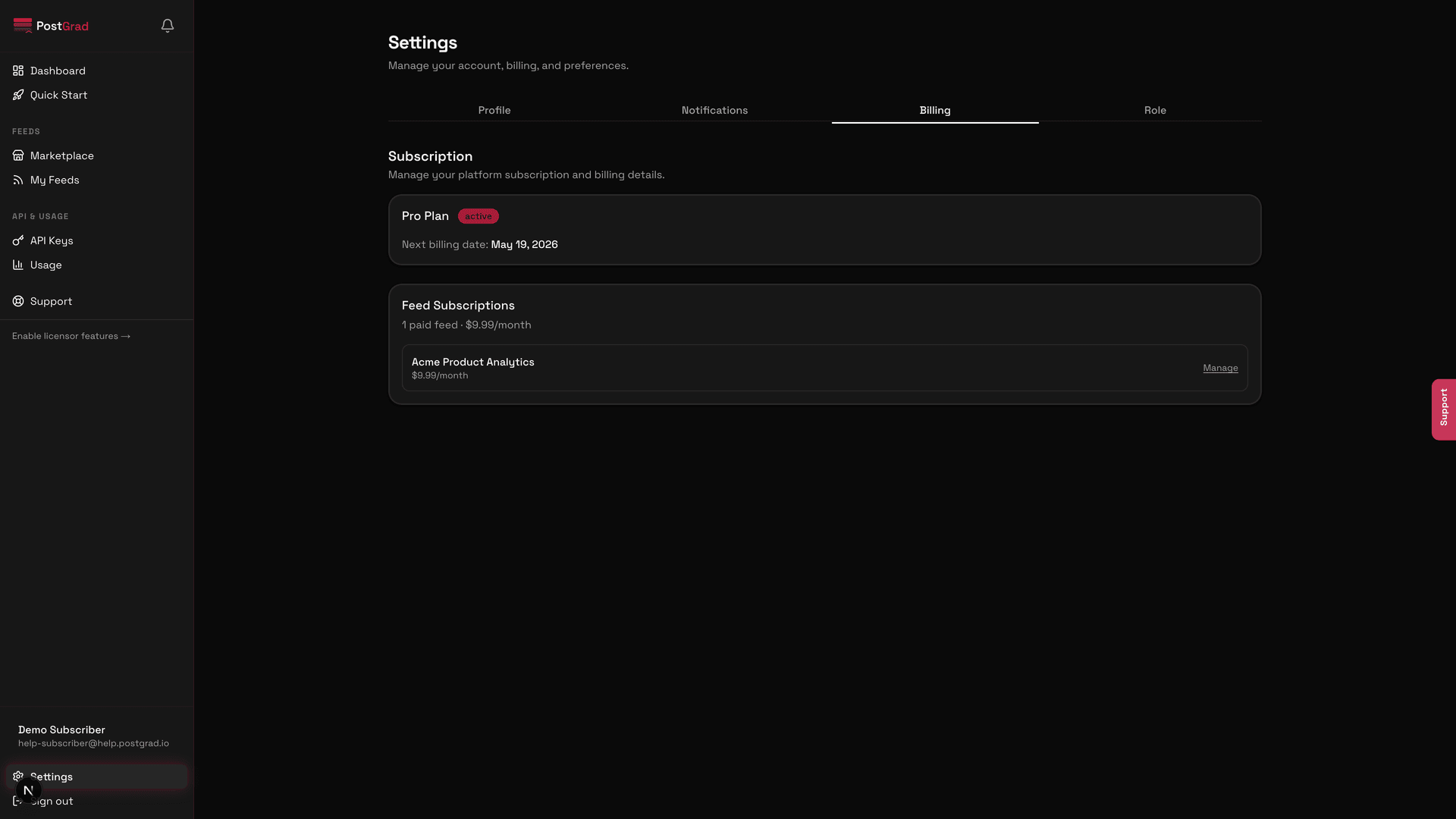
Pick the new tier
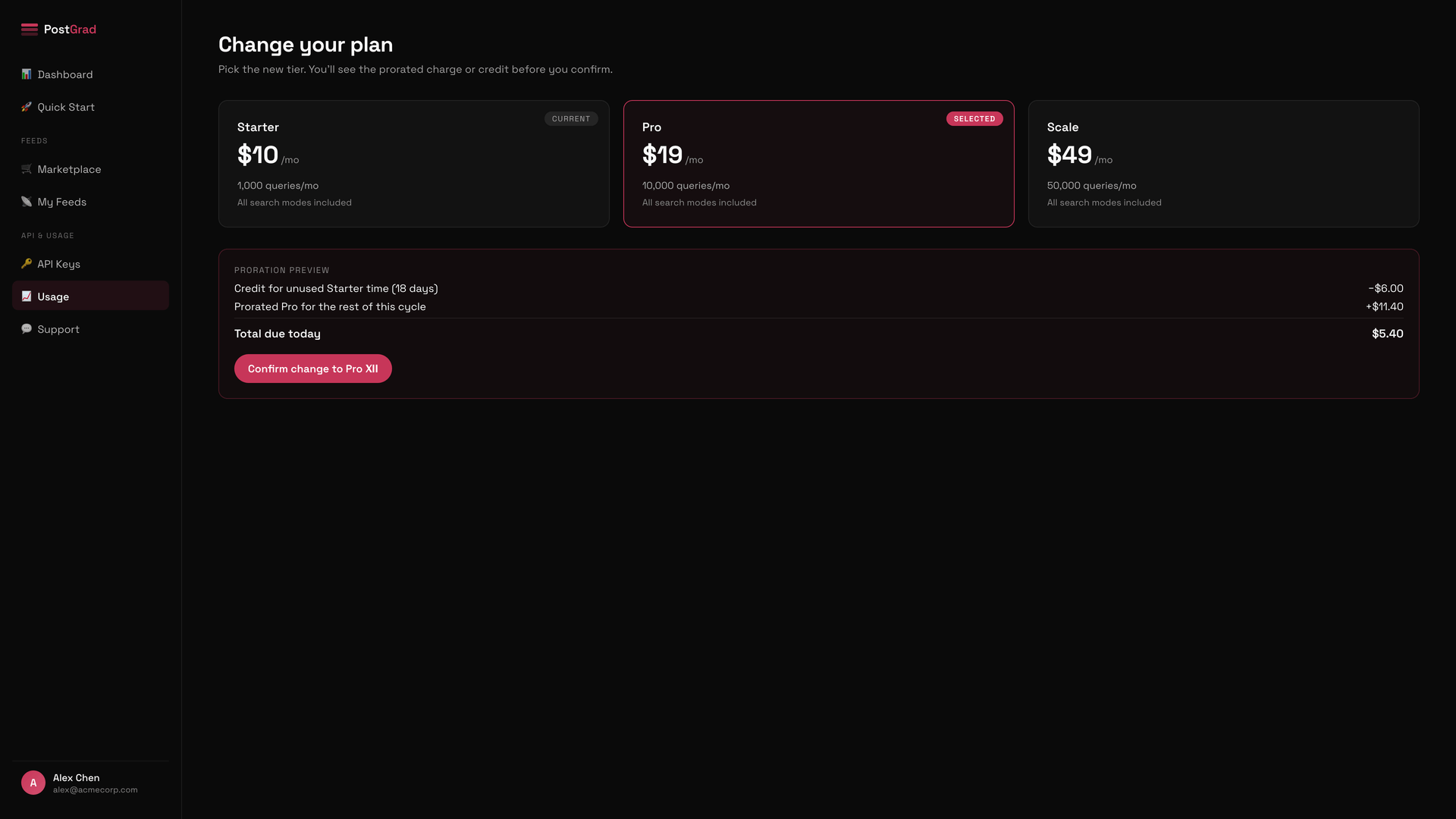
Confirm and watch the invoice update
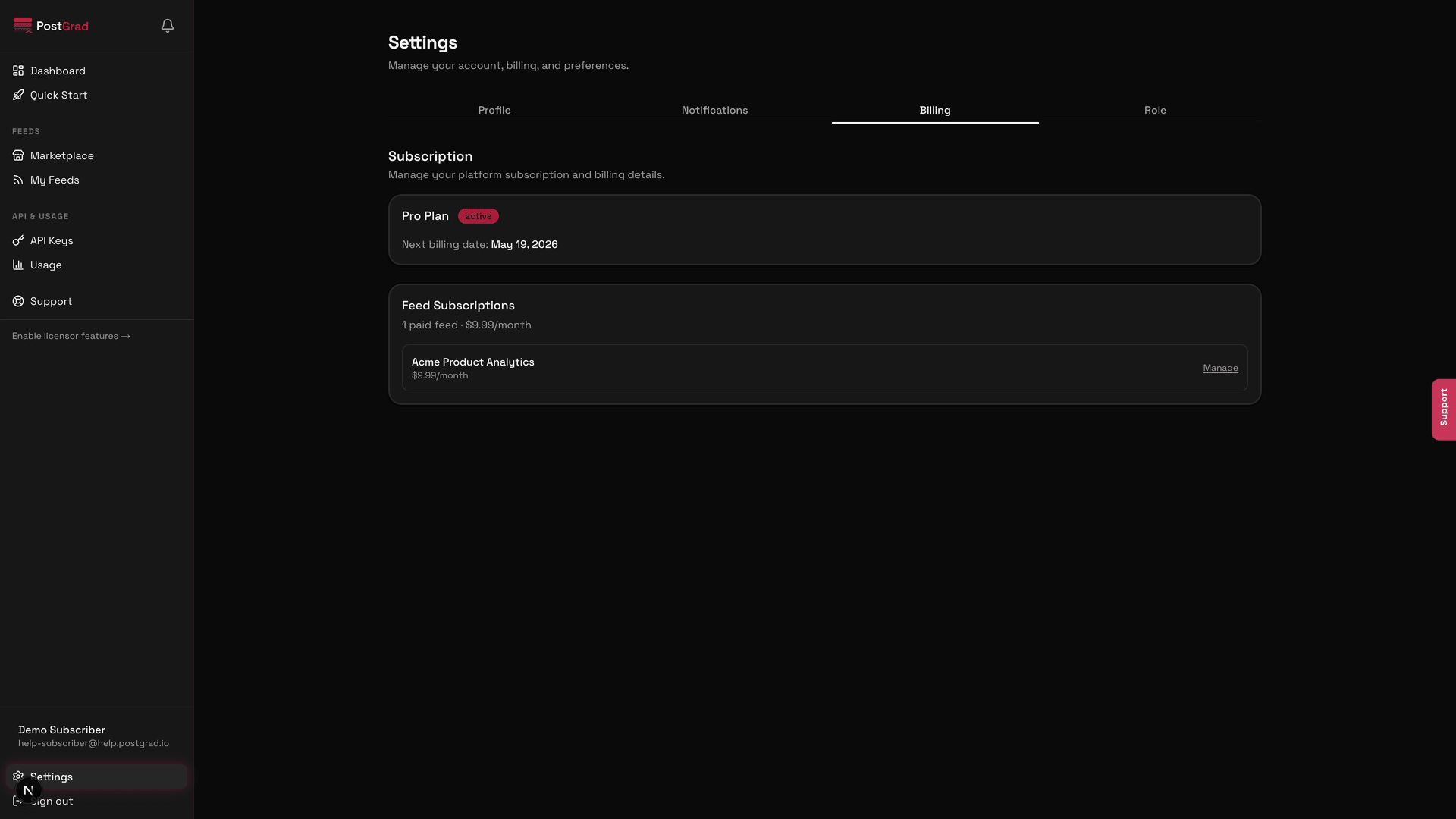
Verify the new tier's features are active
What's next
- Understand what you just unlocked — Understand the three search modes covers which modes come with which tier.
- Cancel instead — Cancel a feed or your subscription if you're dropping PostGrad entirely rather than downgrading.
- Handle the transition — Handle errors gracefully for the window between a downgrade effect date and your callers adapting.
Enable and manage notifications
Turn on the bell, set per-category preferences, and configure quiet hours so PostGrad only pings you when it actually matters.
Cancel a feed or your subscription
End a single feed subscription, cancel your whole plan, or delete your account — each has a different effect on billing and data retention.