End a single feed subscription, cancel your whole plan, or delete your account — each has a different effect on billing and data retention.
Three different cancel actions, three different outcomes. A feed cancel keeps your plan and key active. A plan cancel drops you to a read-only account at the end of the cycle. An account deletion wipes your keys, subscriptions, and audit trail. This walkthrough covers all three so you pick the right one.
Before you start: you're signed in.
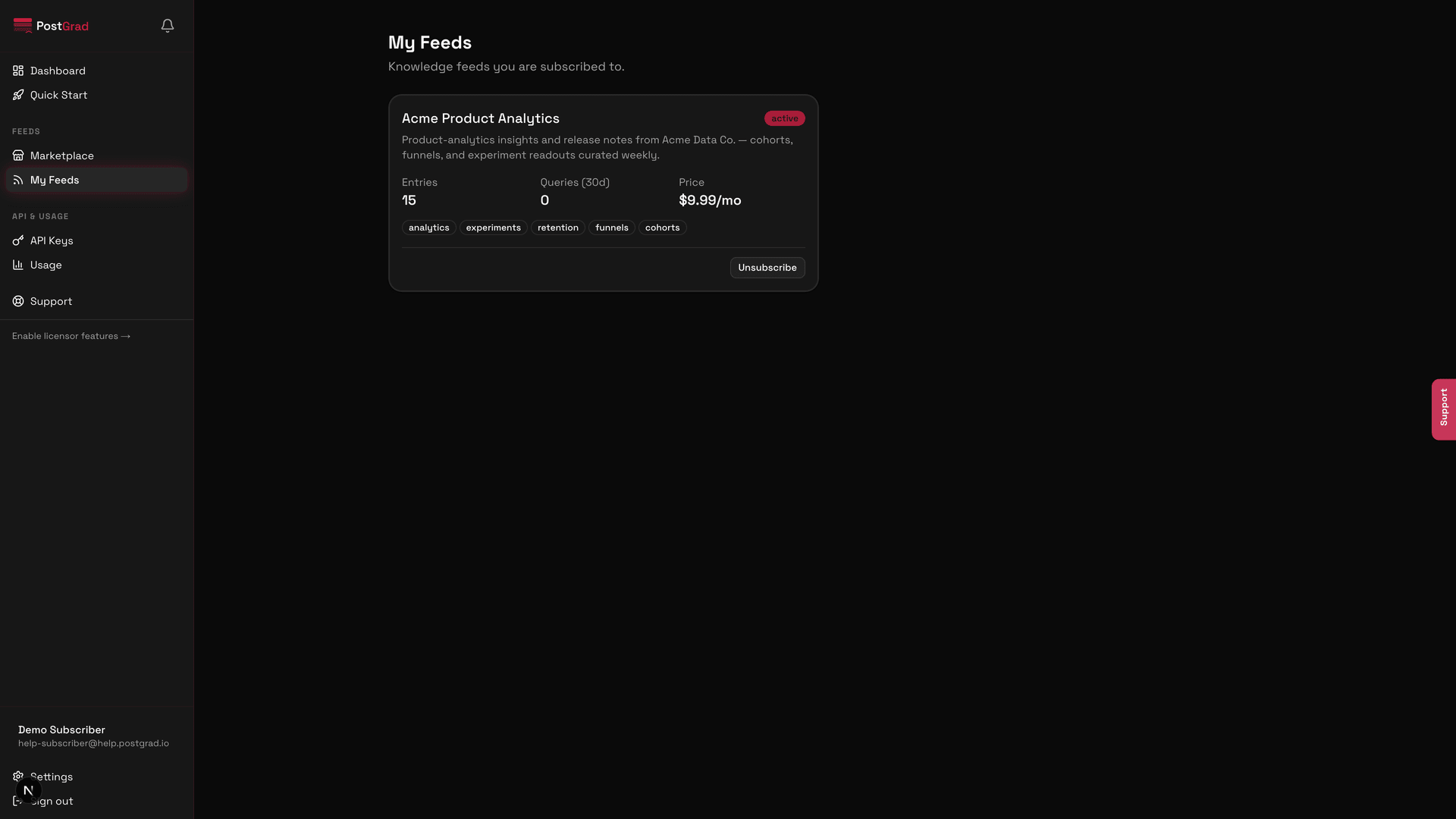
1Cancel a single feed from My Feeds
The My Feeds page with a feed card highlighted and its cancel option visible.
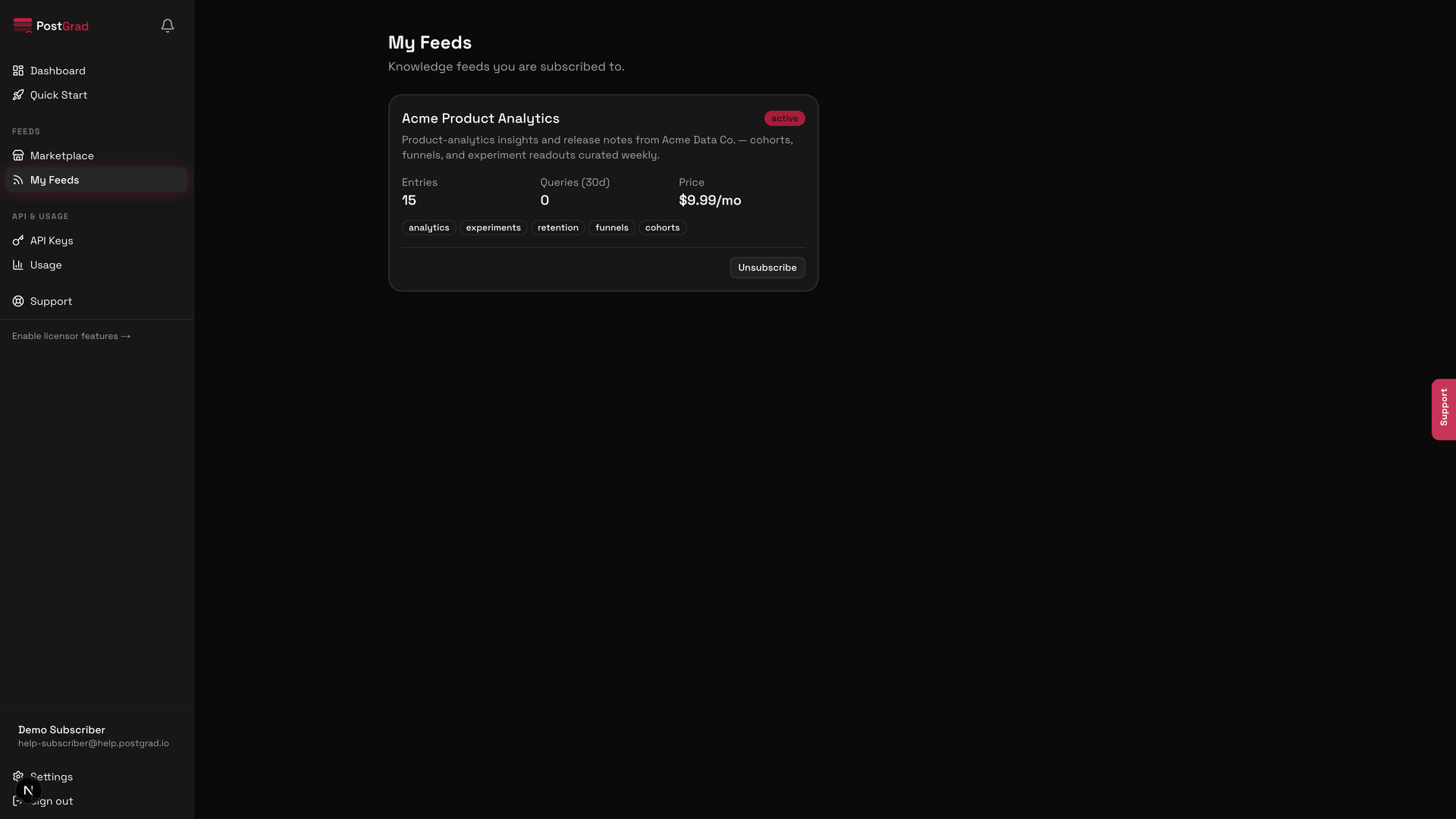
2Confirm the feed cancel
A confirmation dialog for cancelling a feed, showing the exact date access ends and the refund policy.
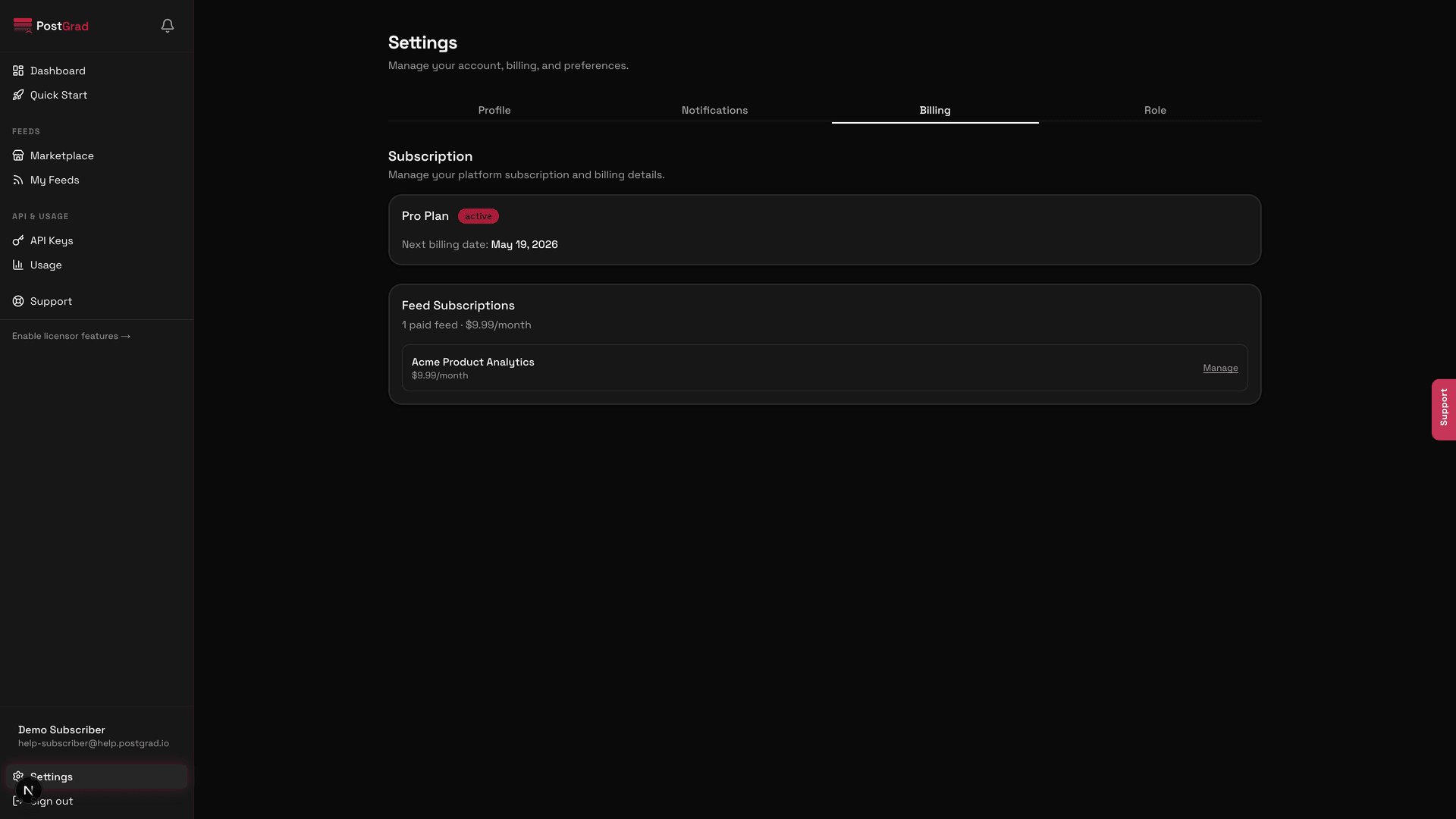
3Cancel your whole platform subscription from Billing
The Billing page with the Cancel subscription option visible below the plan details.
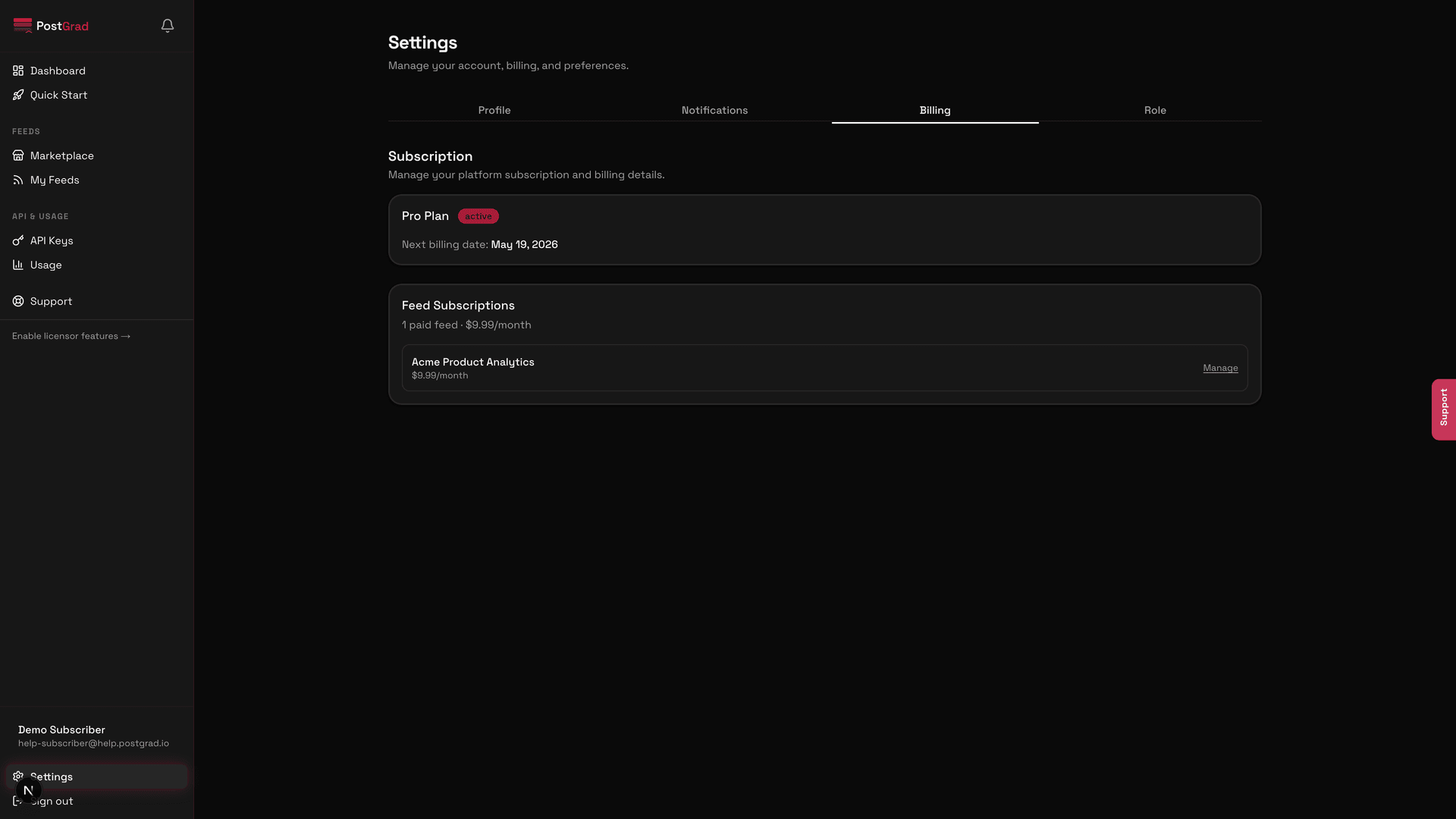
4Review what cancelling your plan actually does
A confirmation view listing everything that stops: API calls, feed subscriptions, usage analytics retention.
5Deleting your account (optional, irreversible)
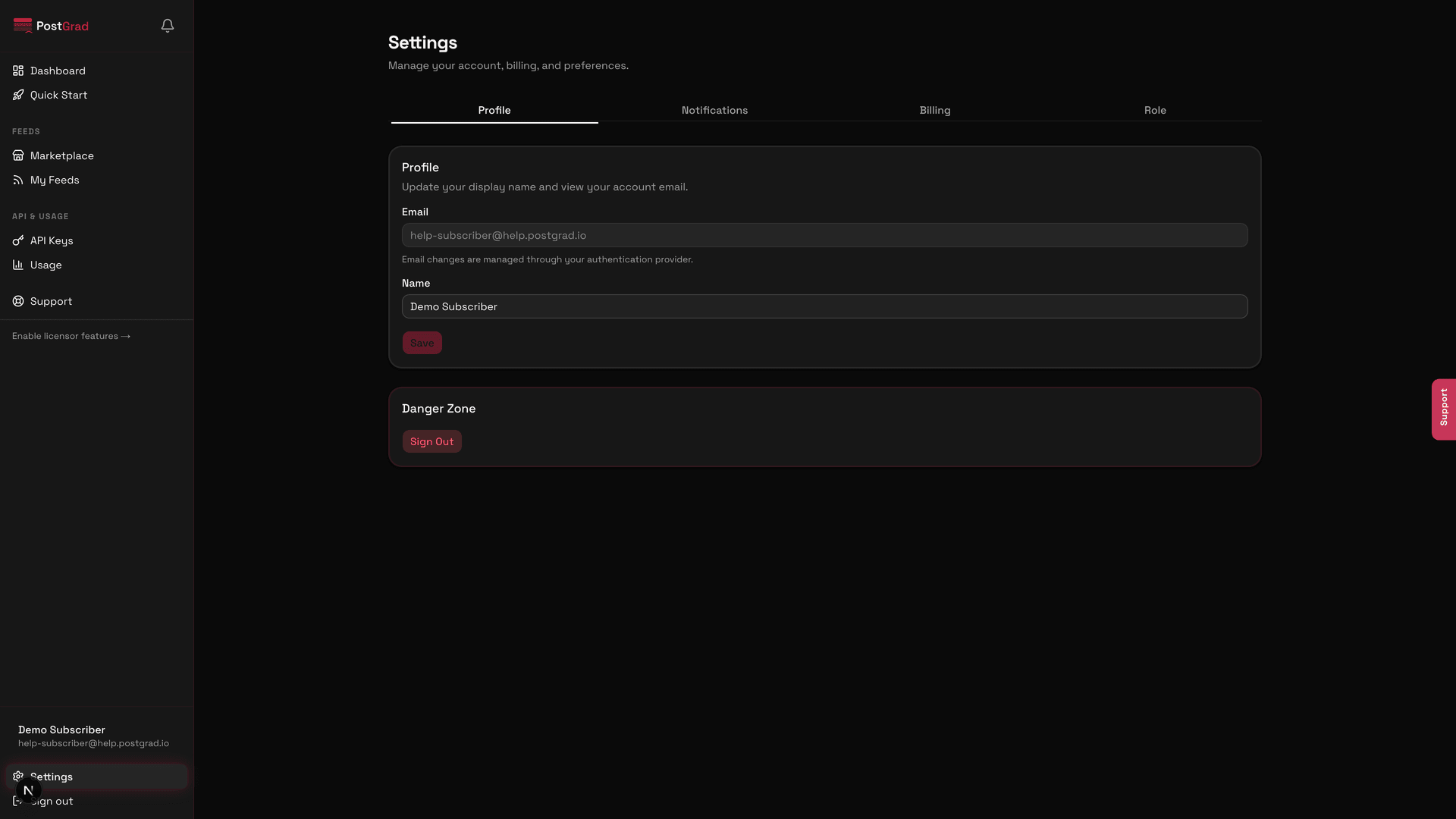
The Settings page with the Delete account section at the bottom, marked as a destructive action.