Create an API key in your PostGrad dashboard, copy it safely, and make your first authenticated call.
API keys are how your agent or application proves it's allowed to query PostGrad on your behalf. You'll create one in the dashboard, copy it into your code (or secret manager), and use it on every request. This walkthrough takes about 90 seconds.
Before you start: make sure you've signed up and picked a plan. If you haven't, start with Sign up + pick your plan.
1Open your dashboard
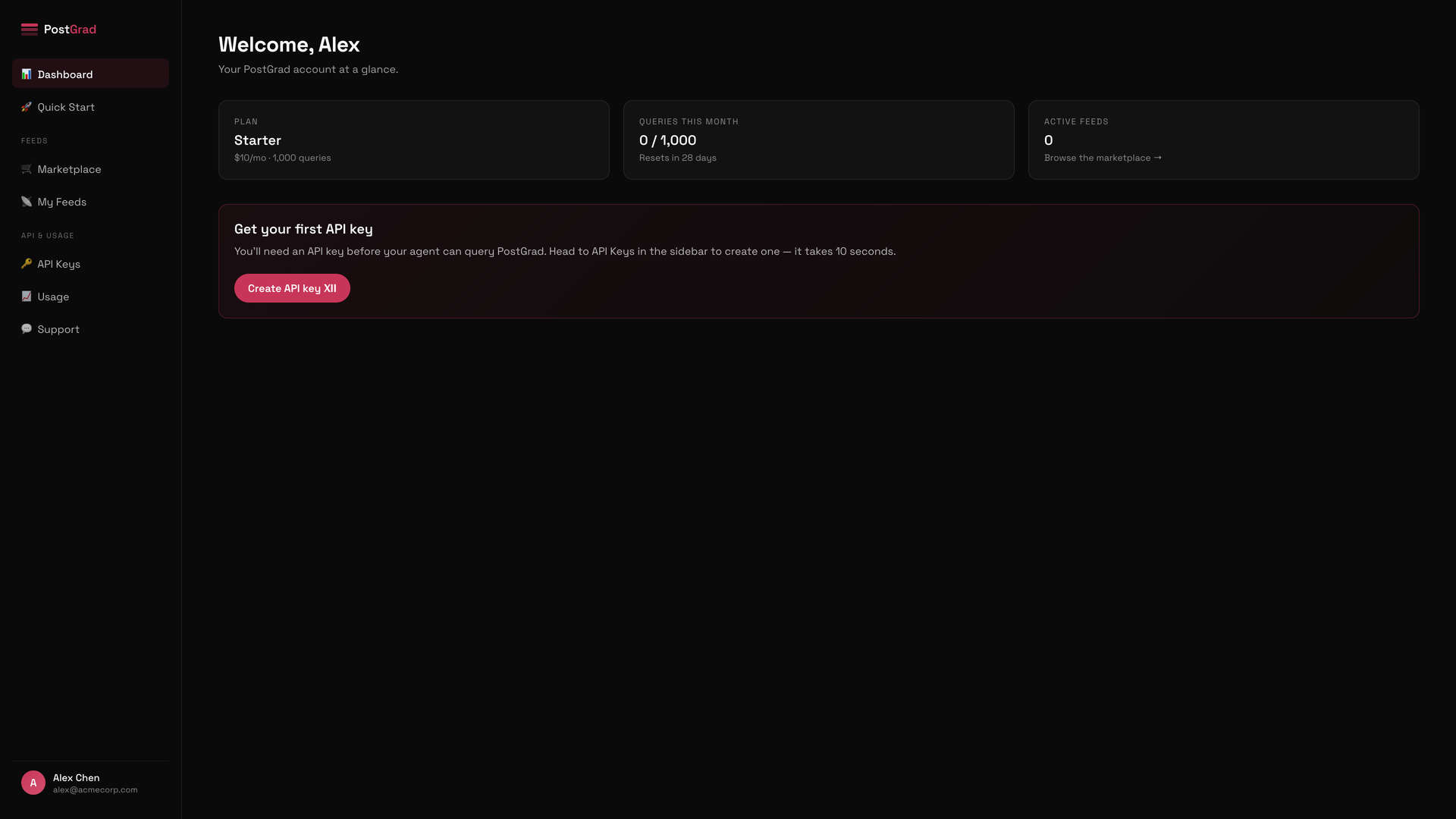
The PostGrad dashboard home page, showing the sidebar on the left and a welcome panel on the right.
If this is your first time signing in after picking a plan, PostGrad may route you through a short welcome flow first. Complete it before continuing.
2Click API Keys in the sidebar
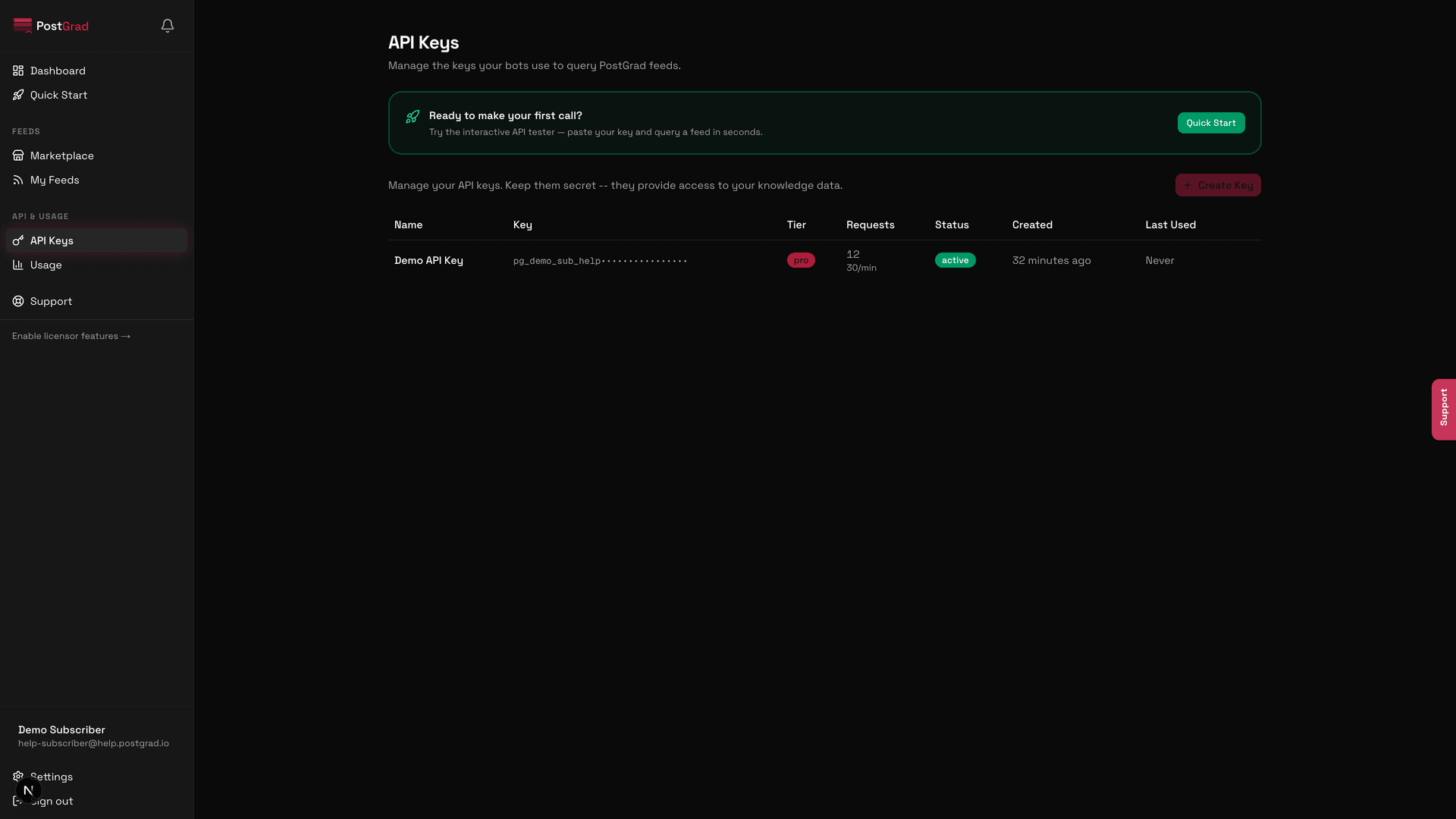
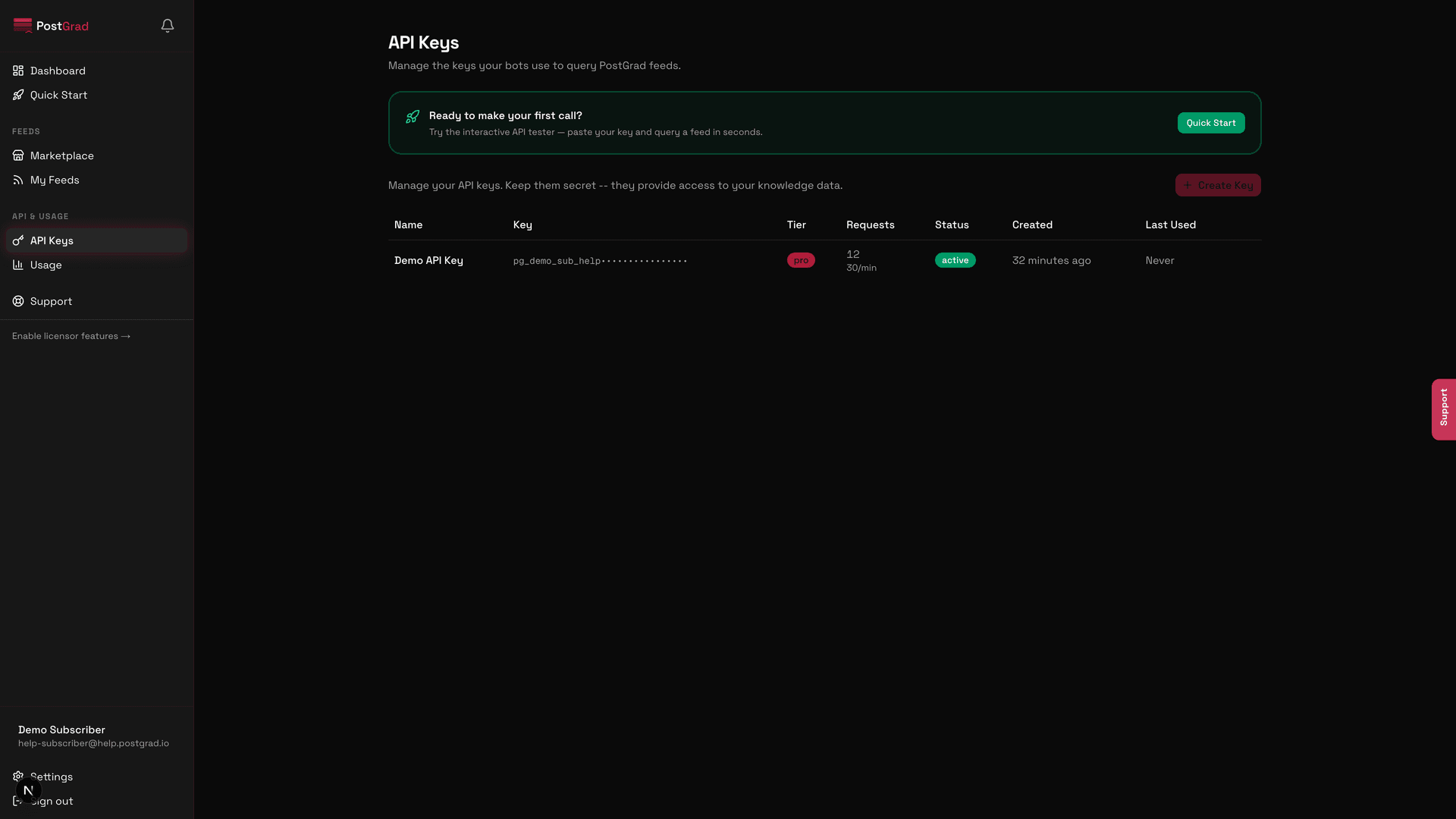
The API Keys page showing the sidebar navigation highlighted and the keys list view.
3Review your existing keys
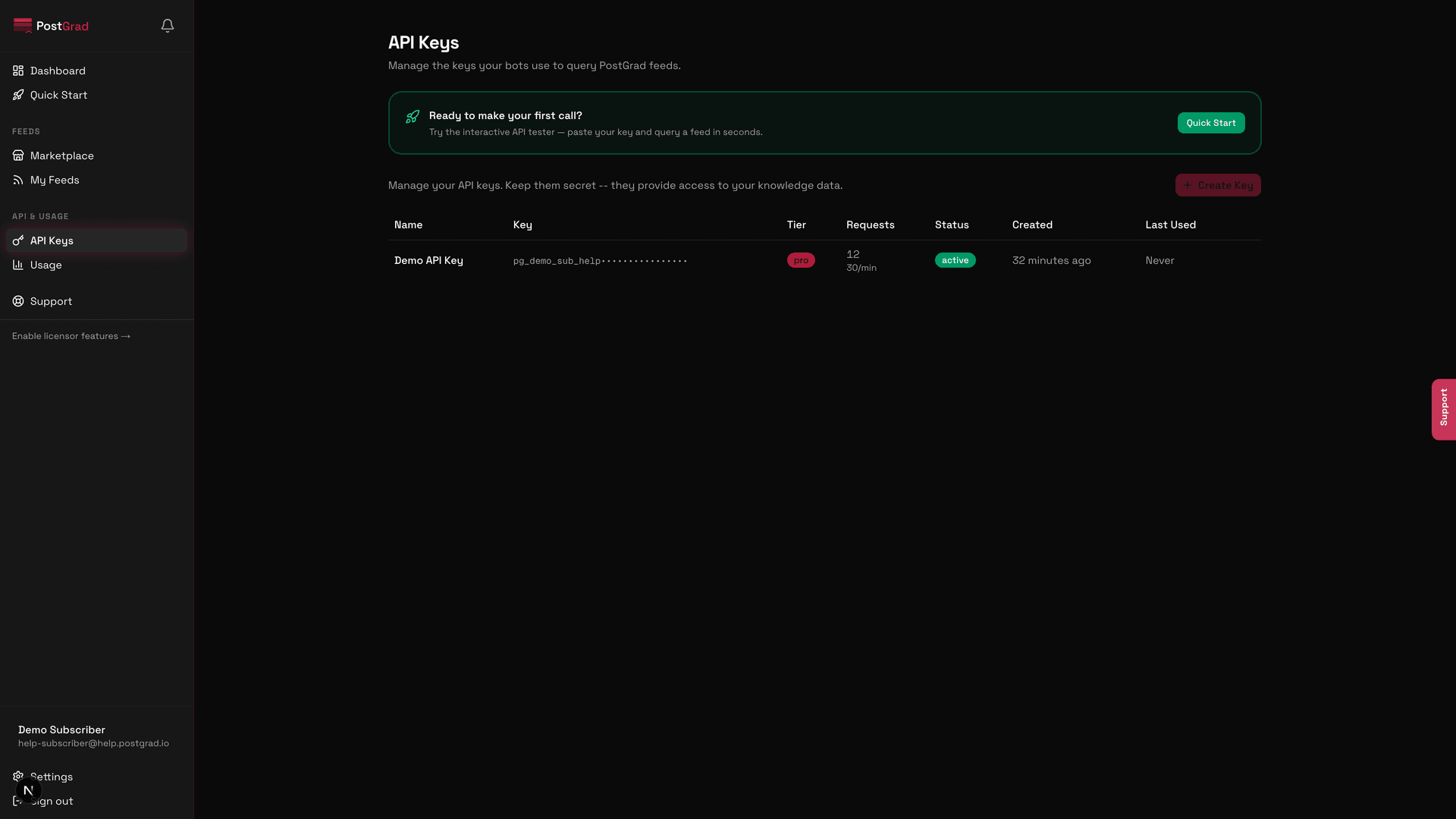
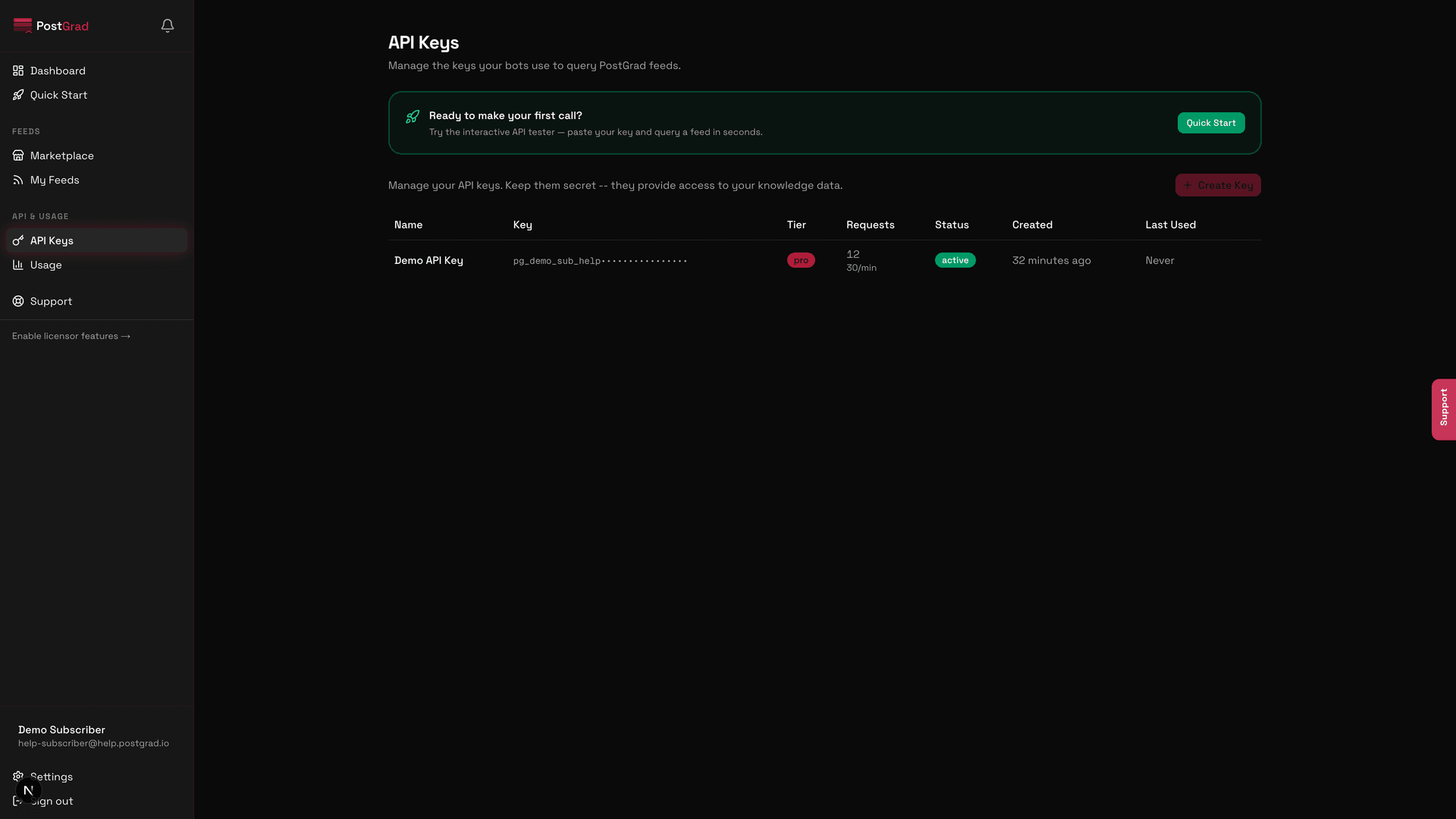
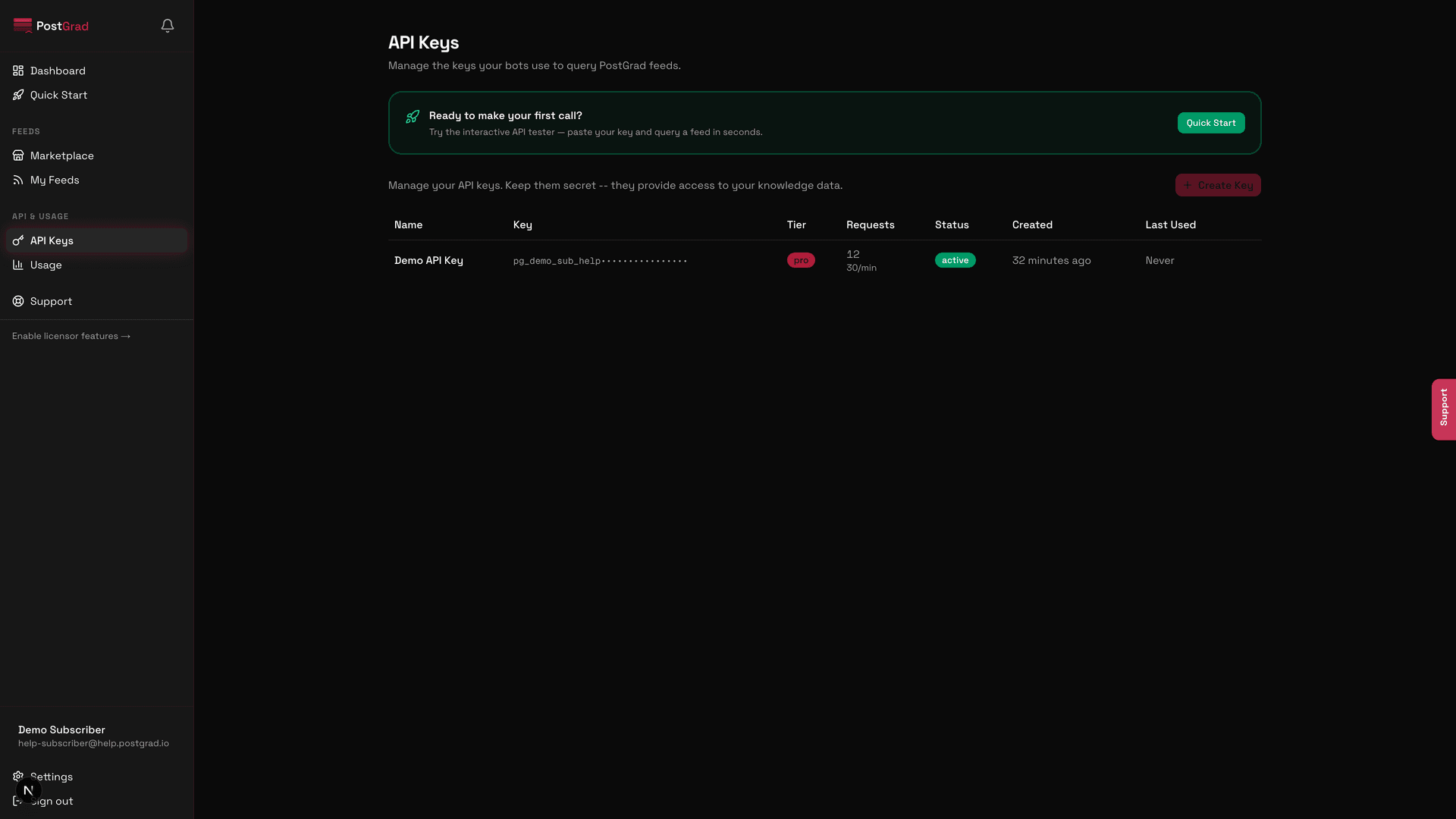
The API Keys page displaying a list of existing keys, each showing its name, prefix, tier, and creation date.
Keys are scoped to your user account, not per-feed. One key can query every feed you're subscribed to, at the tier your subscription is currently on.
4Click "Create key"
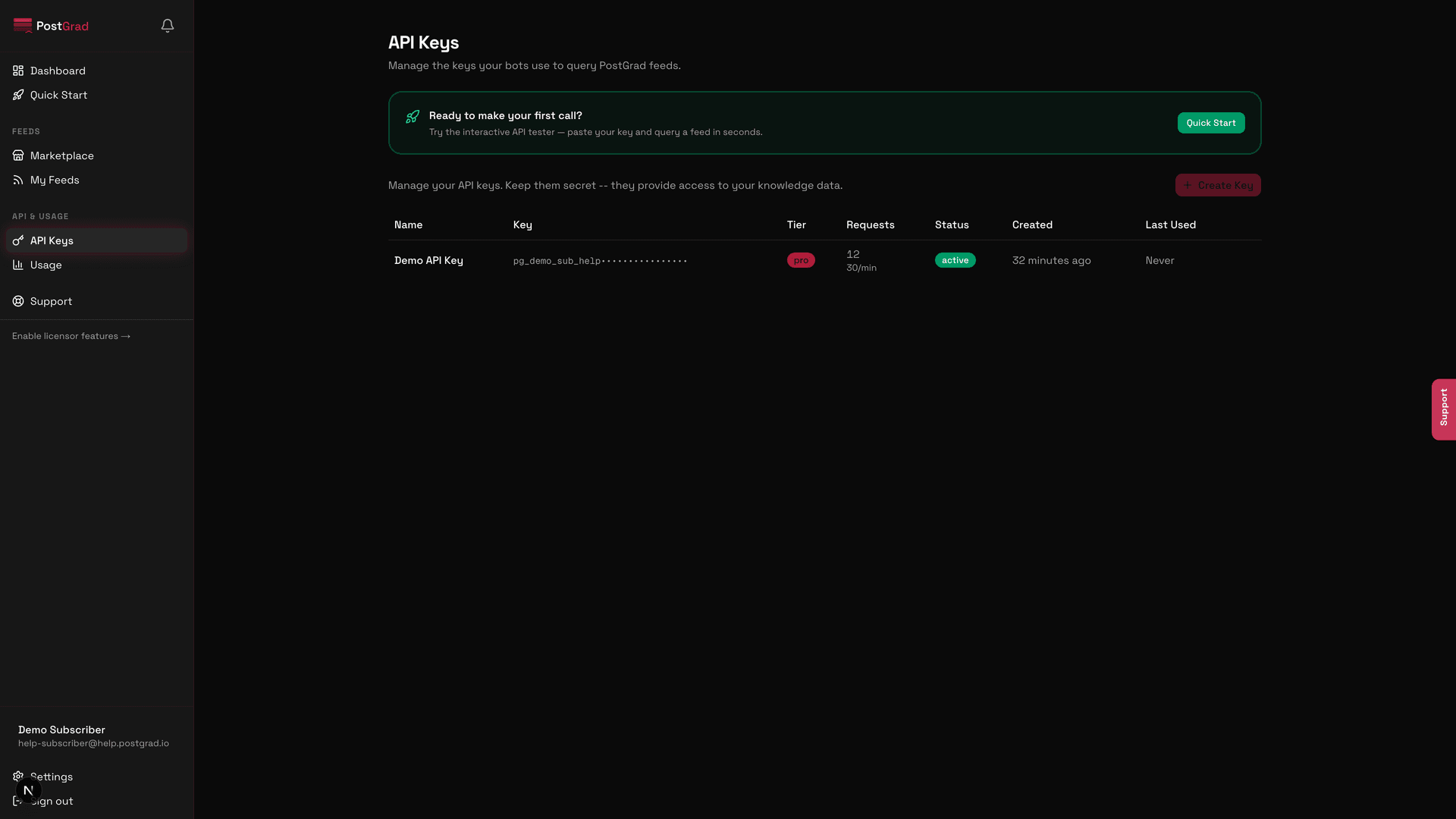
The API Keys page with the Create key button visible in the top right.
5Name your key and confirm
A dialog asking for a key name, with an input field and a confirm button.
6Copy the revealed key — this is the only time you will see it
The newly created key displayed in full, with a copy button next to it and a warning that it will only be shown once.
Keys look like pg_live_XXXXXXXXXXXXXXXX... — the pg_live_ prefix identifies them as PostGrad production keys. Treat them like passwords.
7Store the key as a secret in your app
The API Keys page after the key was created, showing the new key in the list alongside the existing one.
Concrete recommendation: add POSTGRAD_API_KEY=pg_live_... to your .env file, add .env to .gitignore, and read the value with process.env.POSTGRAD_API_KEY in Node or os.environ["POSTGRAD_API_KEY"] in Python.
8Test the key with a sample call
The Quick Start page showing a curl example pre-filled with the subscriber's API key and a sample knowledge-search request.
If your first call returns an error, jump to Handle errors gracefully — we've documented every error code, what it means, and what to do about it.
Make it do something useful — Make your first API call walks through the REST endpoints and the common query patterns.
Plug it into Claude or Cursor — Connect PostGrad via MCP shows how to wire the key into agent tools so you never have to touch REST directly.
Understand your tier's limits — Understand the three search modes explains what keyword, semantic, and hybrid actually do and which ones your tier unlocks.