Make your first API call
Run your first /v1/knowledge/search request from curl, see the response shape, and learn the three core endpoints.
PostGrad's REST API is three endpoints wide. Once you've got a key, every call follows the same shape: HTTPS, x-api-key header, JSON body, JSON response. This walkthrough takes you from your terminal to a real search result in about three minutes.
Before you start: you need an API key (Get your first API key) and at least one feed you're subscribed to — either the free platform feeds or a paid one from the marketplace.
Open the Quick Start page in your dashboard
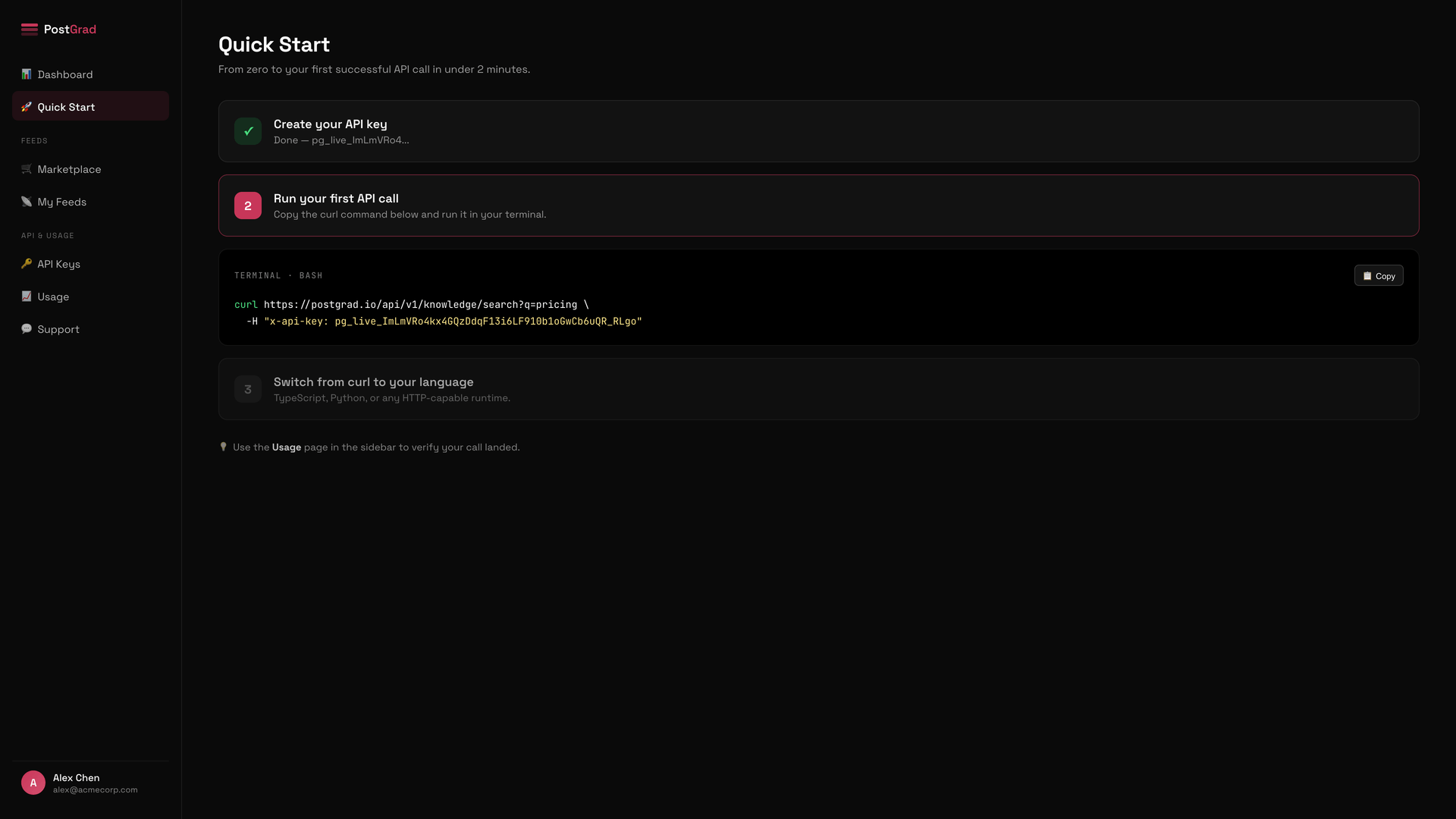
The command here masks your key for display. When you click Copy, the full key gets written to your clipboard — don't paste it into Slack, a gist, or anywhere you don't control.
Copy the sample curl command
Run it in your terminal
If the call returns a 401, your key is wrong or revoked. If it returns a 403, your tier doesn't allow the feature you asked for. If it returns a 429, you've hit your rate limit. See Handle errors gracefully for every code and what to do about it.
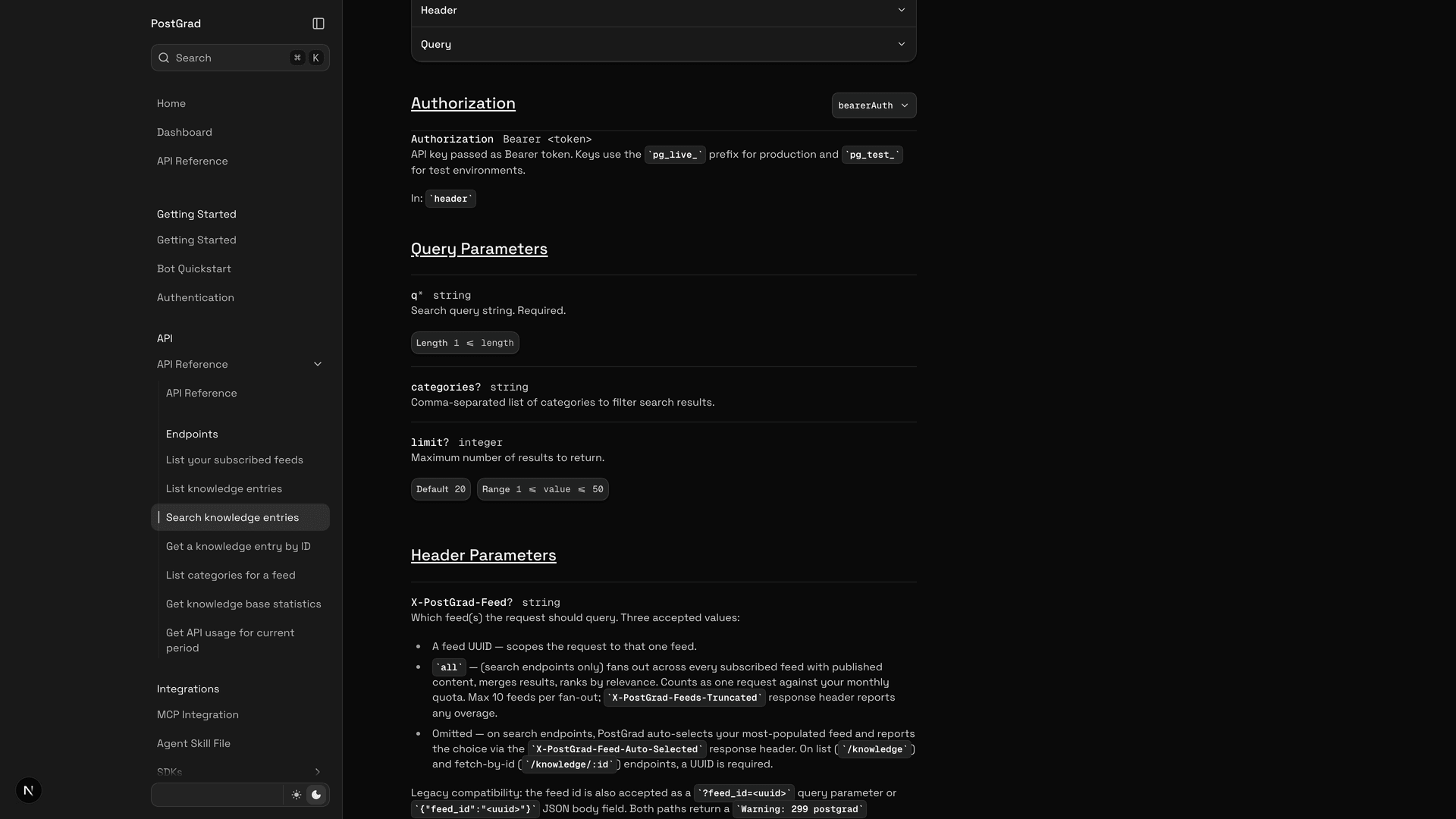
Learn the three core endpoints
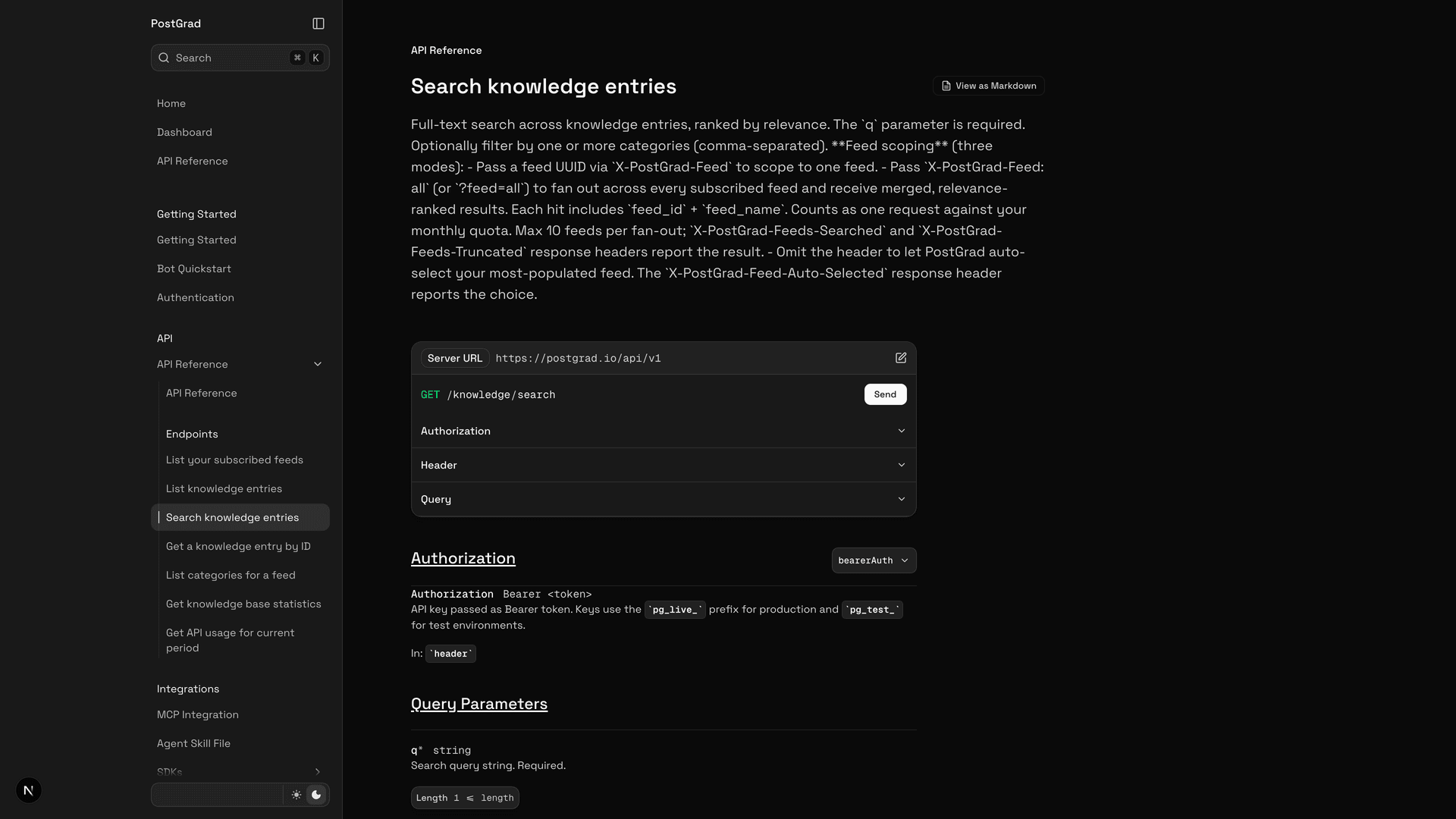
You'll use search ninety percent of the time. List is for batch ingestion or building your own secondary index. Stats is for dashboards.
Switch from curl to code
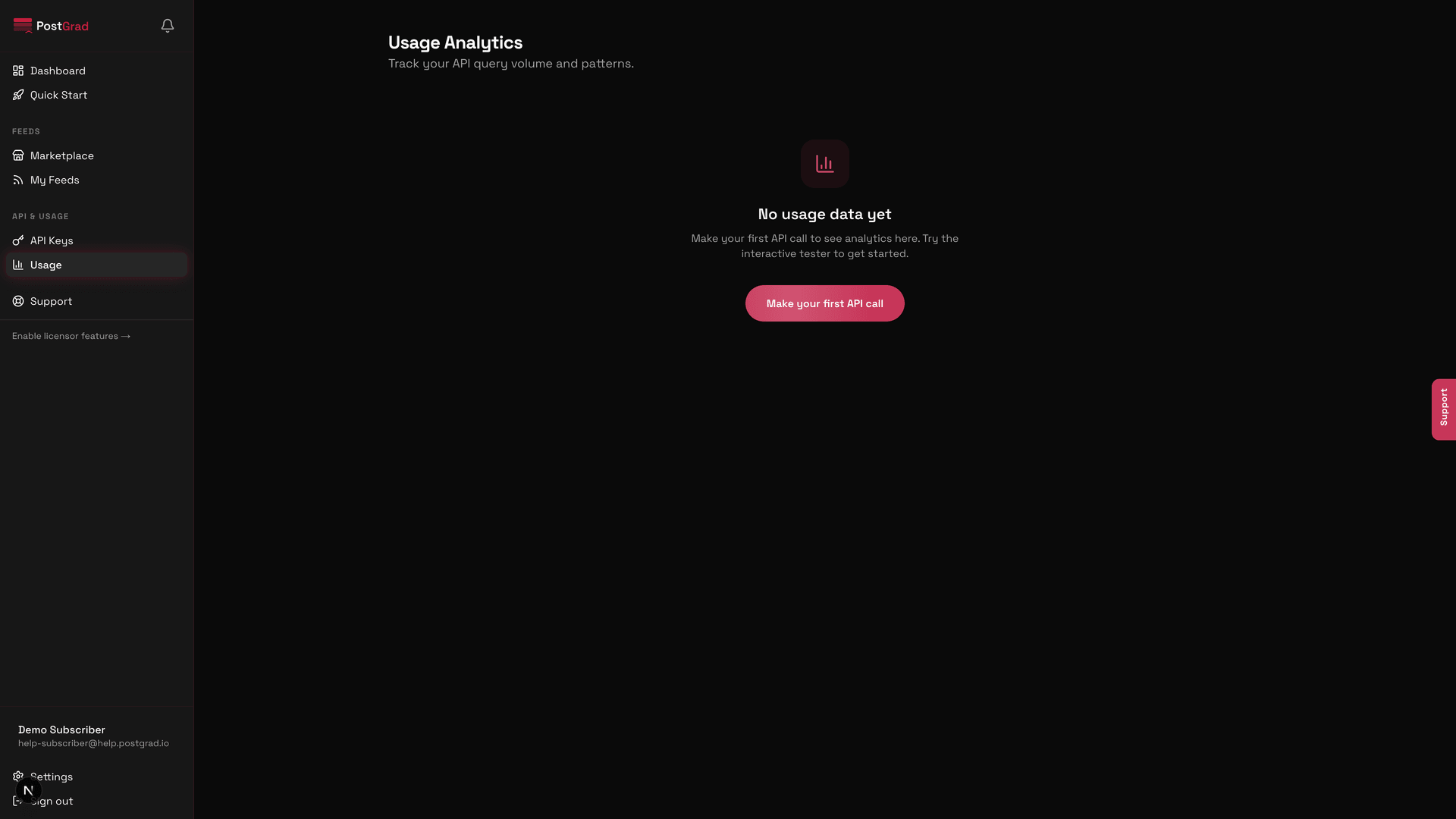
Watch the call register in Usage
What's next
You've made a call. Now build something real:
- Plug into your agent tool — Connect PostGrad via MCP wires the API into Claude, ChatGPT, and Cursor so you don't have to write REST yourself.
- Pick the right search mode — Understand the three search modes covers keyword vs semantic vs hybrid and when each wins.
- Handle the edge cases — Handle errors gracefully is worth reading before you ship — every error code is covered.