Complete KYC and Stripe Connect onboarding
Verify your identity and connect a payout account so PostGrad can route feed-subscription revenue to you.
PostGrad routes feed-subscription revenue through Stripe Connect. Before Stripe can pay you, it needs to know who you are — legal name, address, government ID, bank account. This is Know Your Customer (KYC), and it's required by financial regulations in every country Stripe operates in.
Before you start: you've become a licensor (Become a licensor).
Open the Connect setup from your licensor dashboard
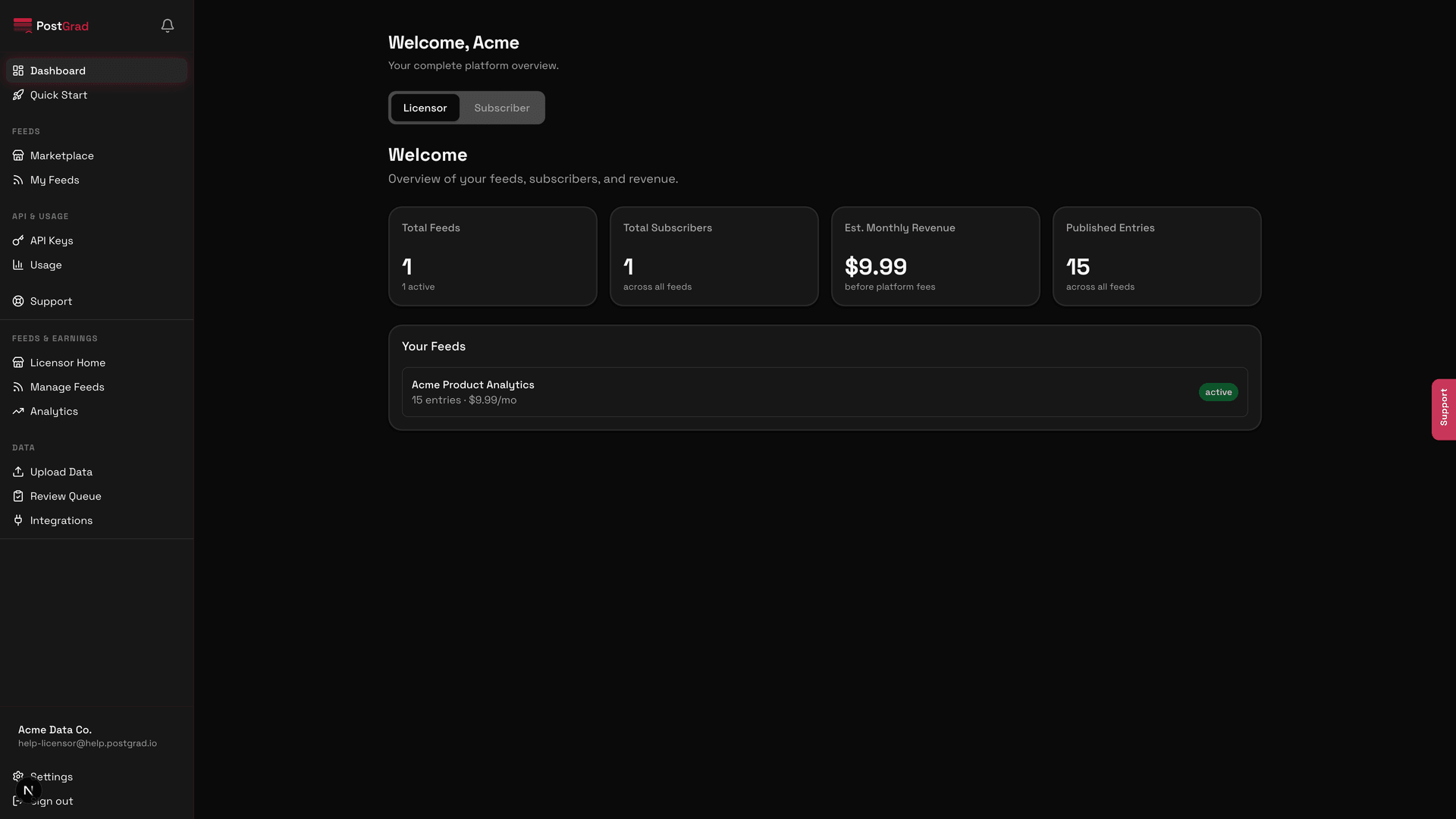
Enter your business details in Stripe
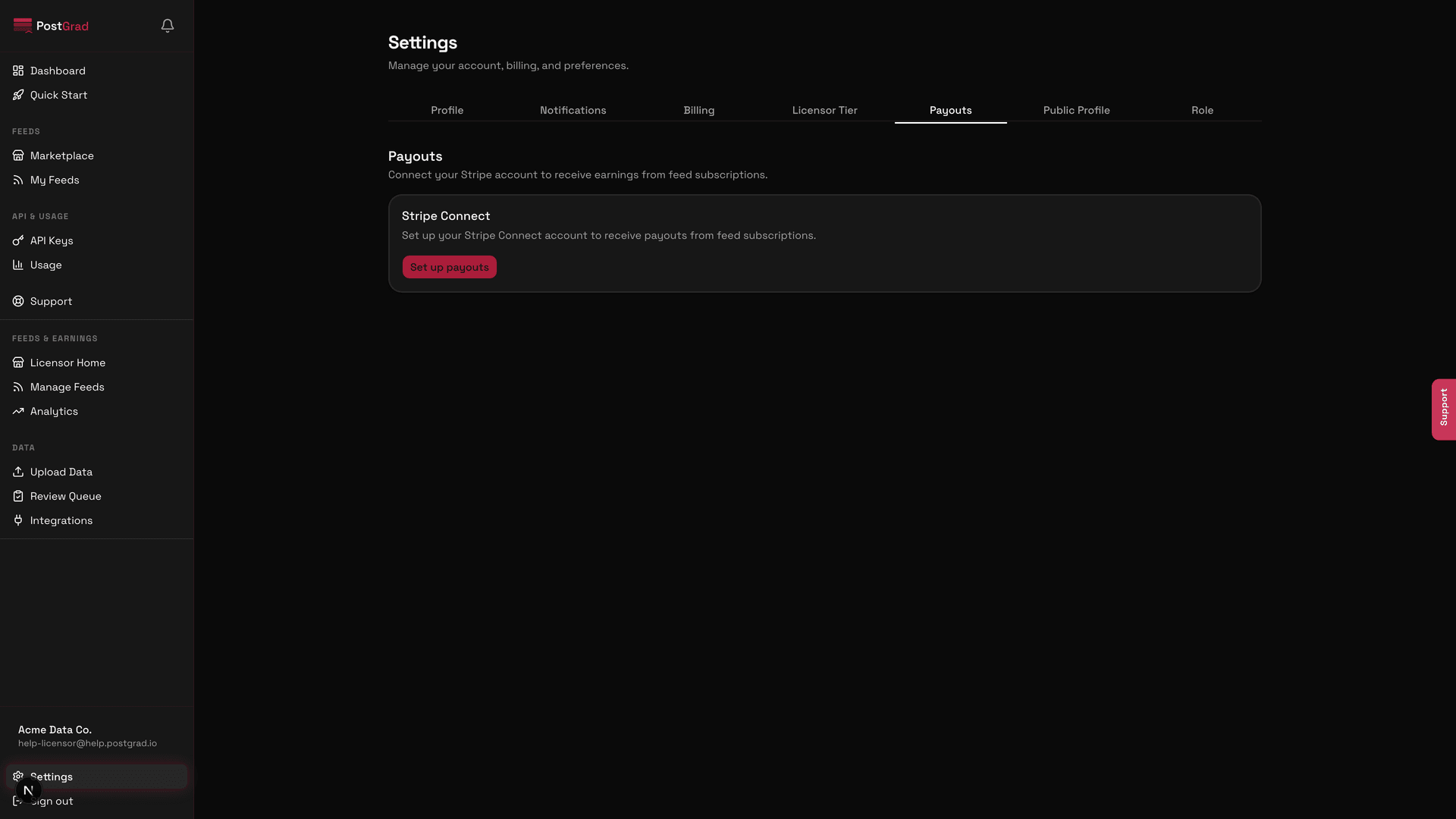
Stripe may require additional documents based on your country — tax ID, corporate registration, government ID. They'll tell you exactly what's needed inline.
Add your payout bank account
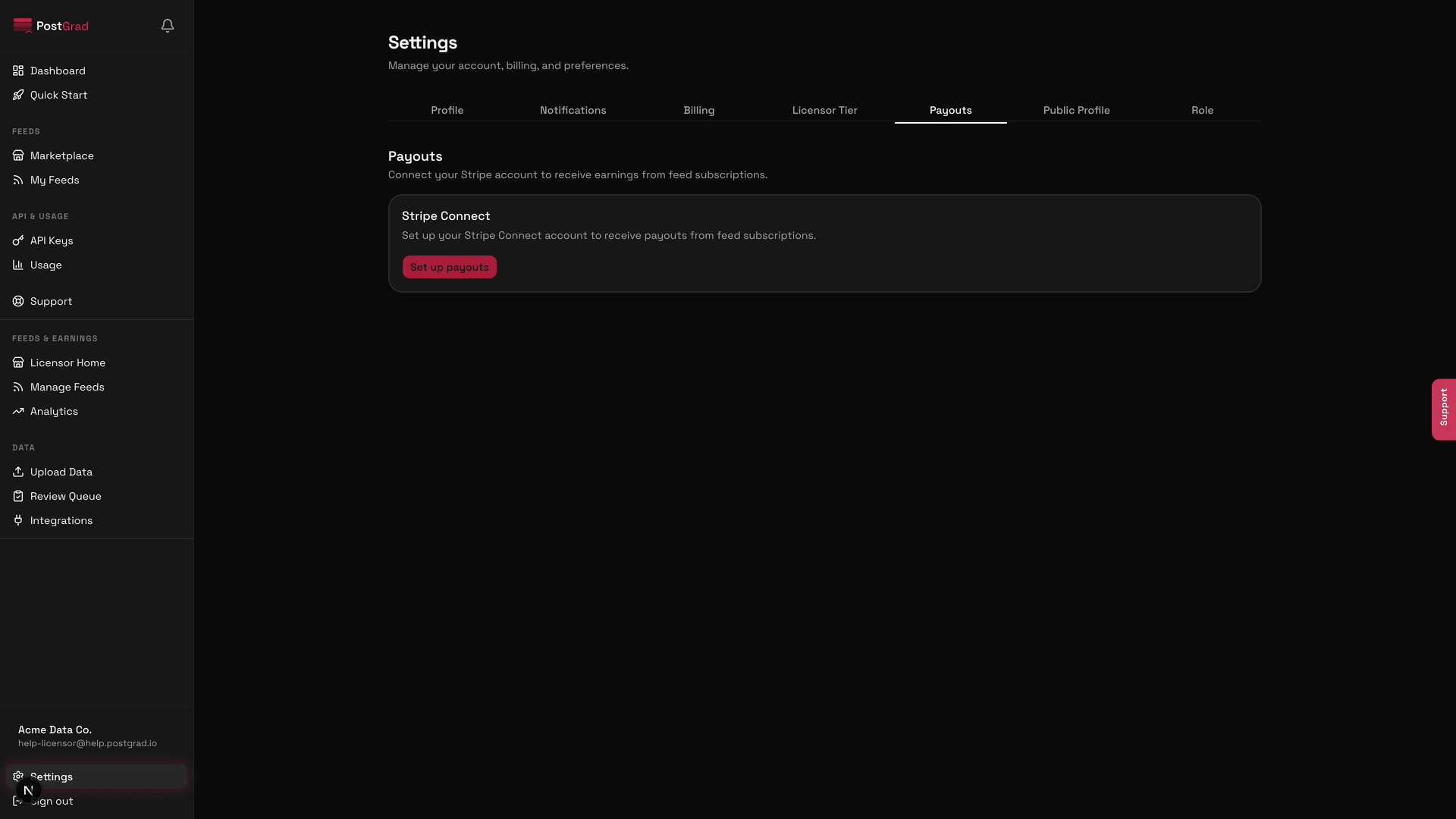
Land back on the dashboard with payouts enabled
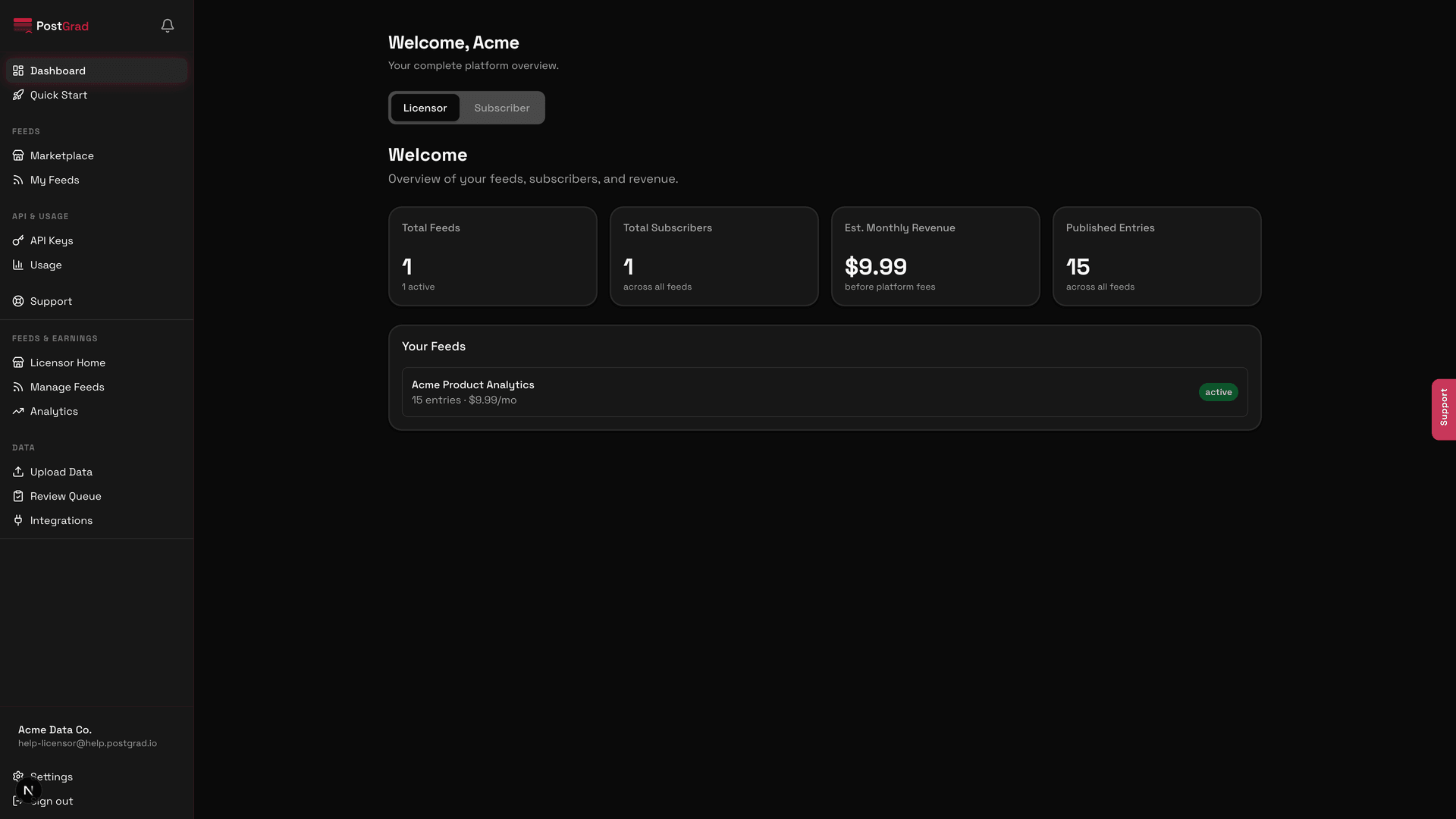
Understand payout timing and fees
What's next
- Publish a feed — Create your first feed is the obvious next step.
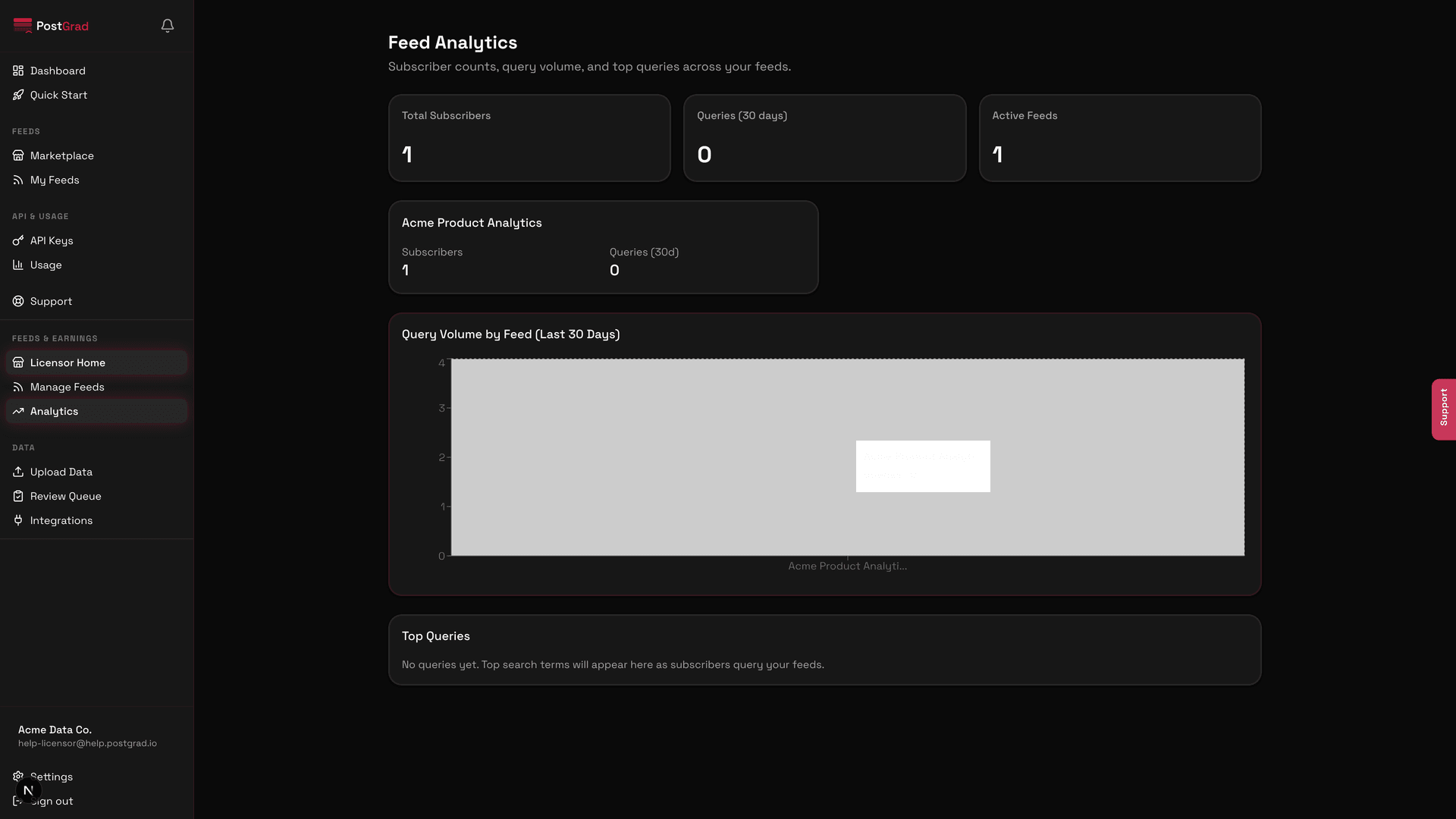
- Check your revenue — Read your analytics dashboard shows how much each feed is earning.
- Watch the money land — Get paid covers when payouts hit, the fee structure, and how to read the reconciliation report.
Become a licensor
Switch your account from subscriber to licensor, accept the publisher legal agreement, and unlock the licensor dashboard so you can publish feeds.
Create your first feed
Name a feed, set its price and categories, and publish it to the PostGrad marketplace where subscribers can buy access.