Understand PostGrad's payout cadence, platform fees, and Stripe transfers so you know when and how money arrives in your bank account.
You built a feed, subscribers are paying for it, and the revenue line on your analytics dashboard is going up. This walkthrough covers what happens between that line and money in your bank — cadence, fees, reconciliation, and what to do when something's off.
Before you start: you've completed Stripe Connect onboarding (KYC and payouts) and have at least one published feed with paying subscribers.
1Open Payouts from the licensor sidebar
The Payouts section showing next payout date, amount, and a list of past payouts.
2Understand the fee stack
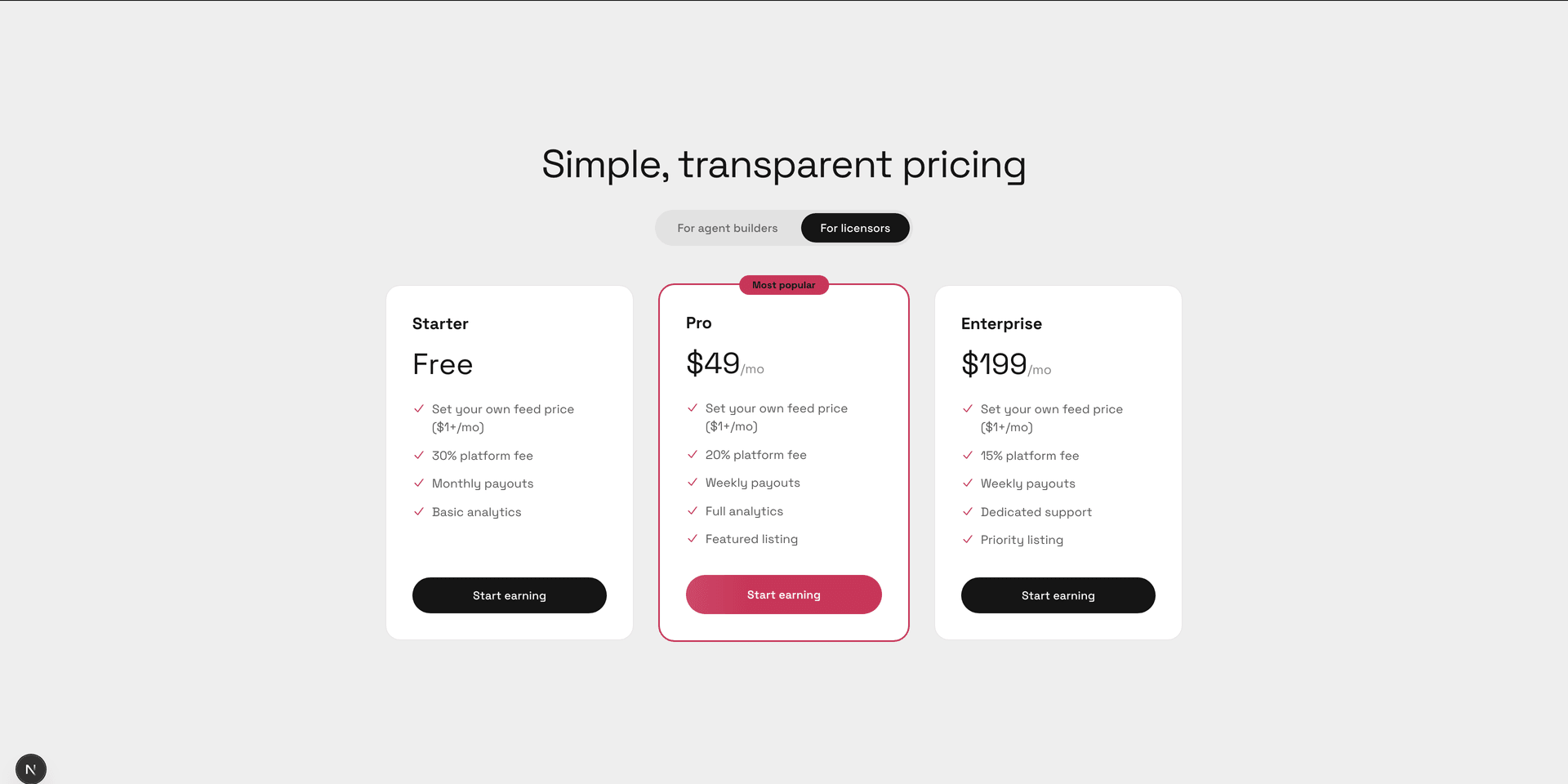
A breakdown showing gross subscriber revenue, PostGrad's platform fee, Stripe's processing fee, and the net payout.
3See payout timing by tier
A comparison showing Starter pays monthly on the 1st, Pro pays weekly on Mondays, Enterprise pays weekly on Mondays with priority.
4Inspect a specific payout's line items
A single payout row expanded to show per-feed revenue contributions, refunds, disputes, and the net total.
5Download the tax summary at year-end
The tax summary panel showing a 1099-style summary for the current year with a download button.
6What to do if a payout is late or wrong
A support-contact panel for payout issues with a form to report a discrepancy and links to common causes.