Switch your account from subscriber to licensor, accept the publisher legal agreement, and unlock the licensor dashboard so you can publish feeds.
Licensor is a different role on PostGrad — subscribers consume knowledge through feeds; licensors publish those feeds. You can be both at the same time, and switching is a one-way opt-in (you keep every subscriber benefit). This walkthrough takes about two minutes.
Before you start: you have an active PostGrad account.
1Open the licensor entry point from pricing
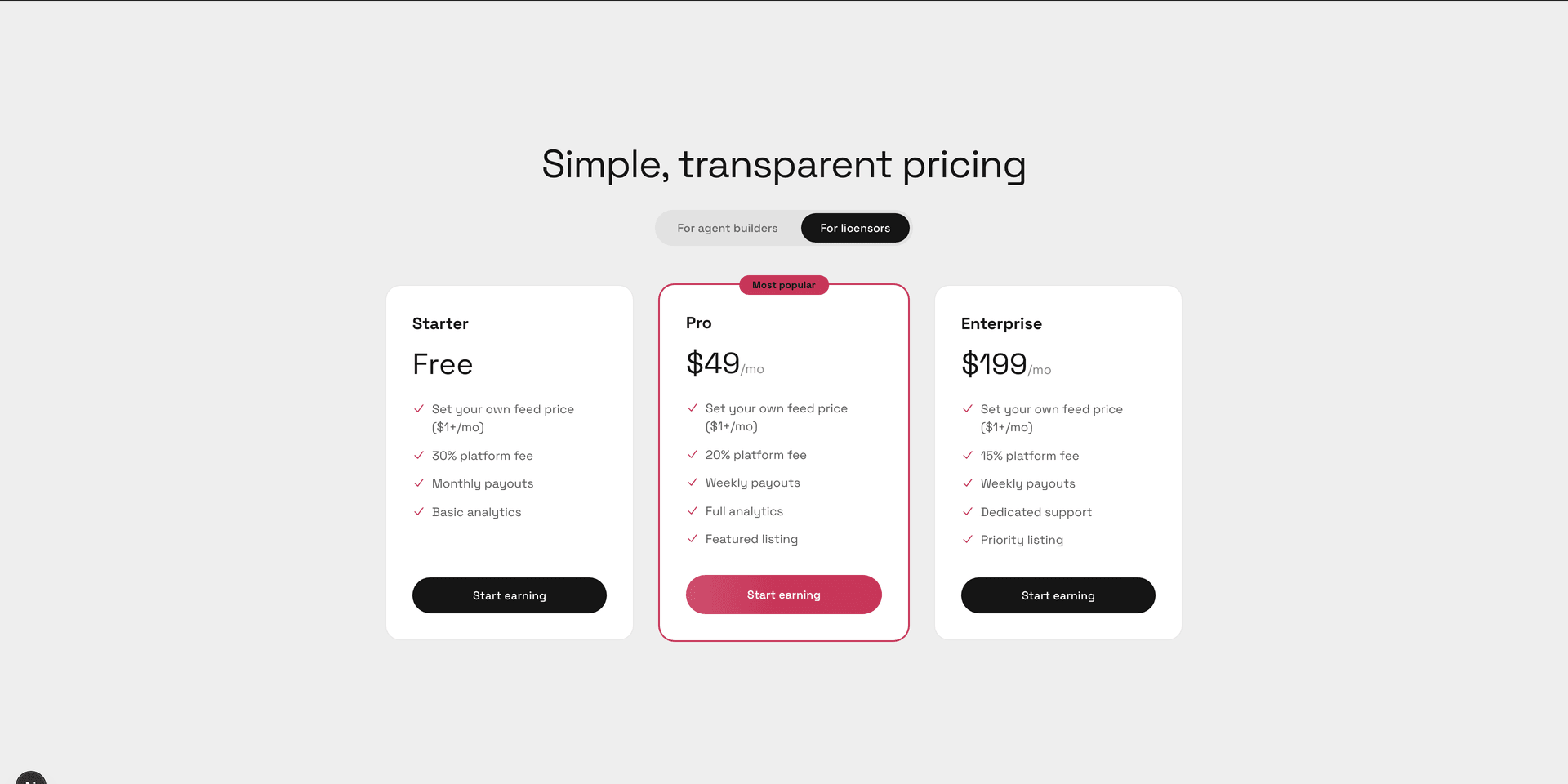
The marketing pricing page with the 'For licensors' tab selected, showing the three licensor tiers.
Licensor Starter is free to start; PostGrad takes a thirty-percent platform fee from whatever you charge for your feeds. Higher tiers lower the platform fee.
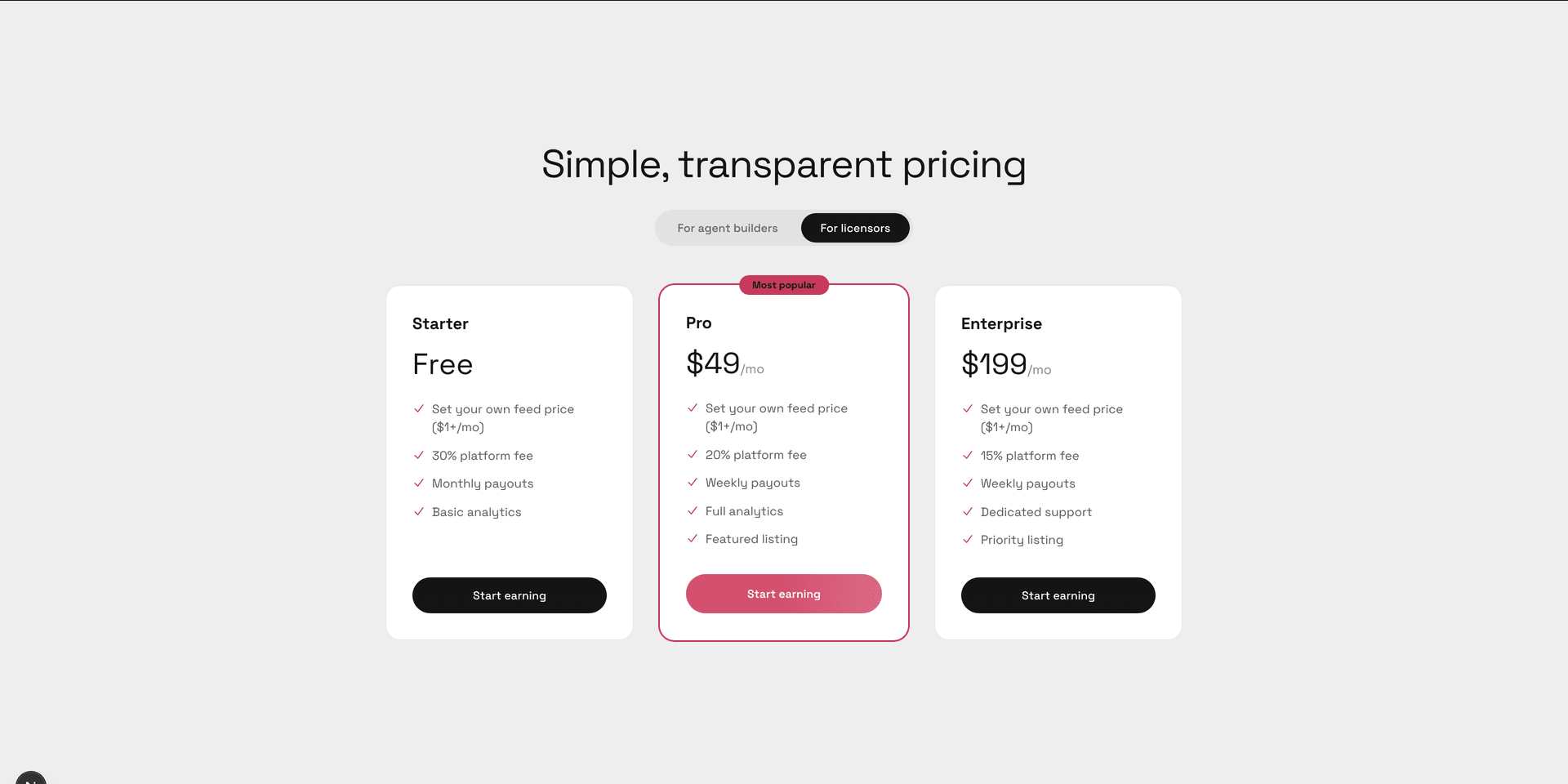
2Pick a licensor tier and click "Start earning"
The licensor tier cards with the Pro tier's Start earning button highlighted.
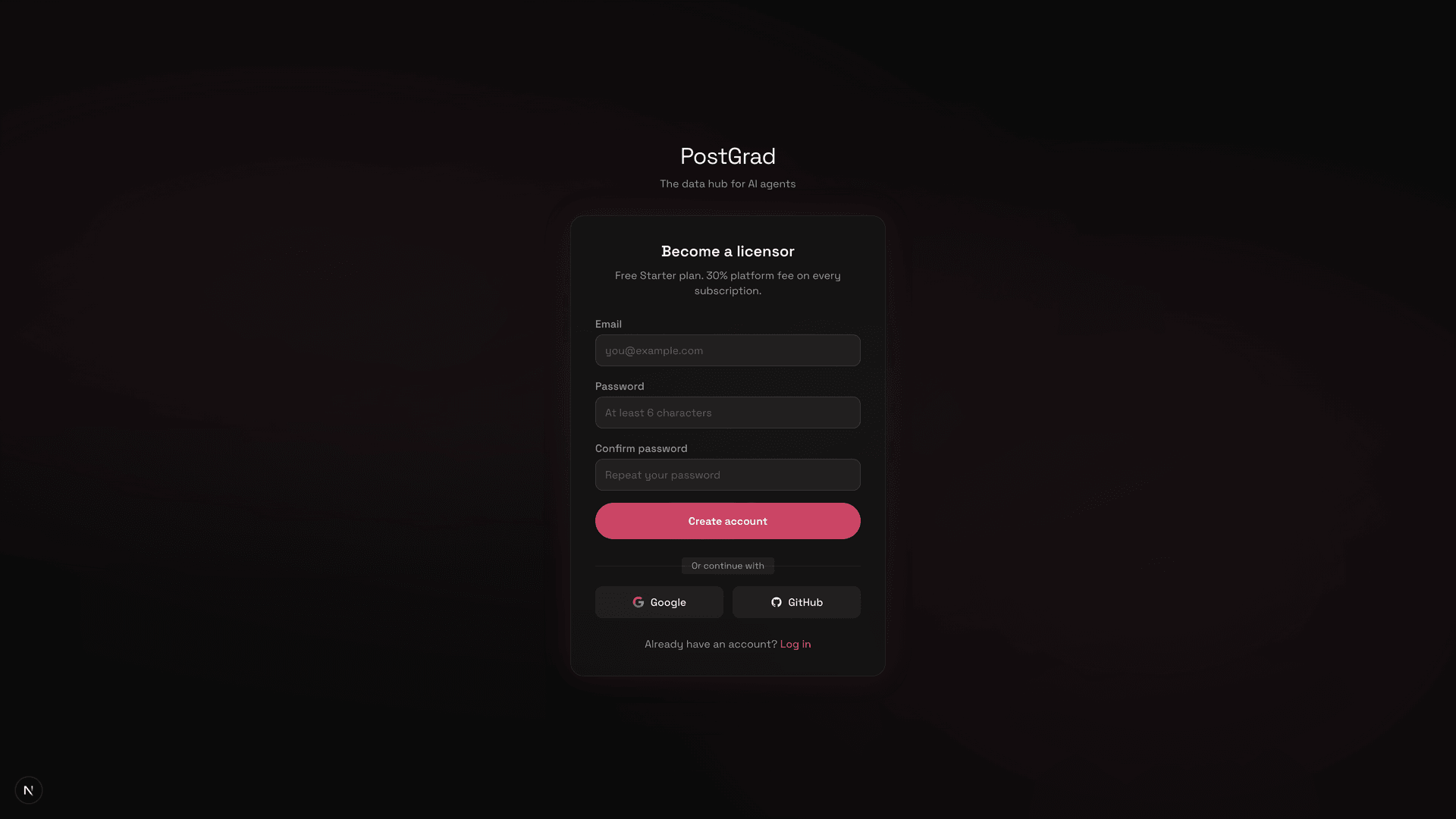
3Accept the publisher legal agreement
The licensor legal acceptance page showing the publisher agreement summary and the agreement checkbox.
Tick the box, click Accept, and PostGrad records your acceptance with a timestamp. This is auditable — the record is immutable once written.
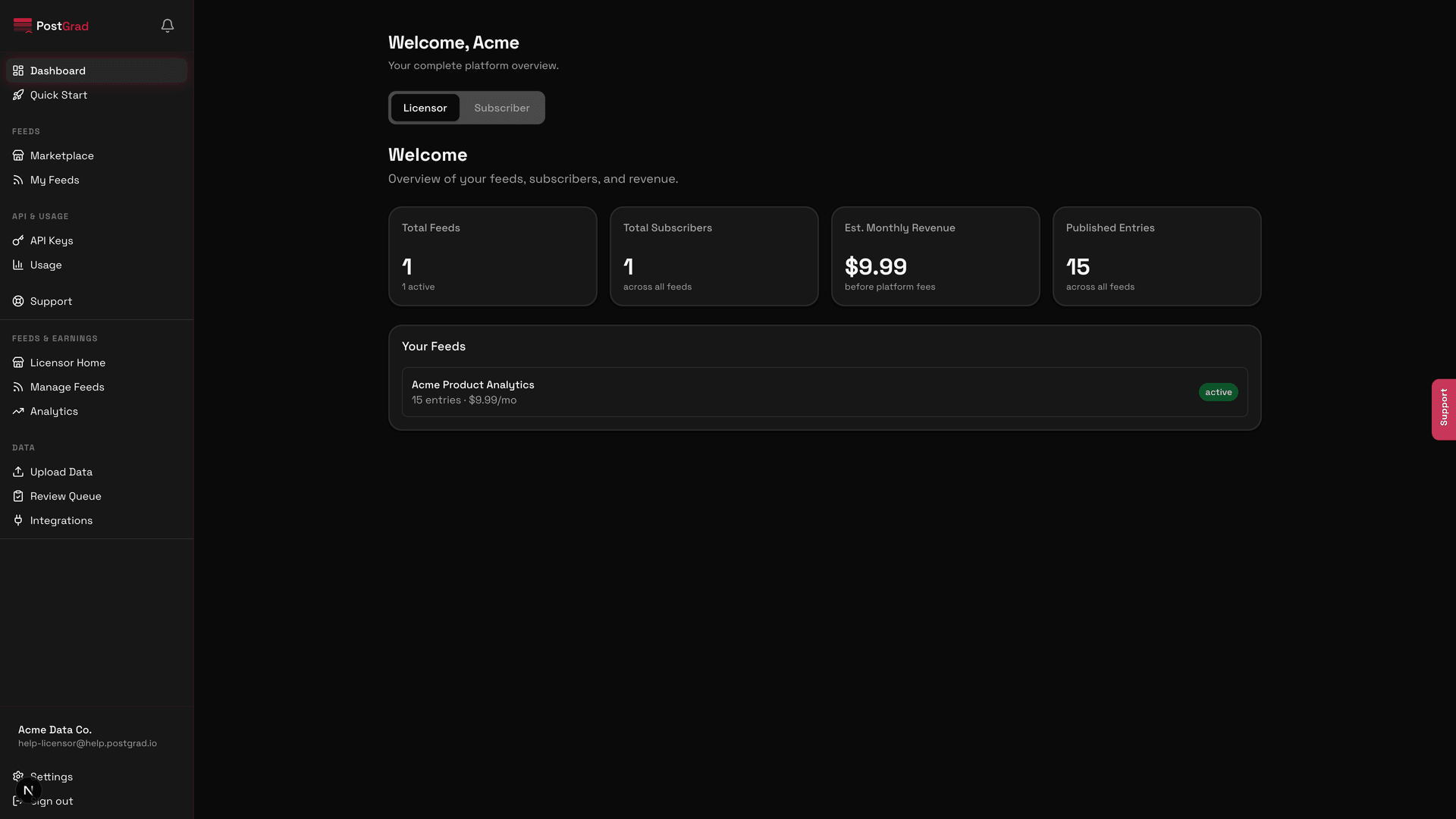
4Land on the licensor dashboard
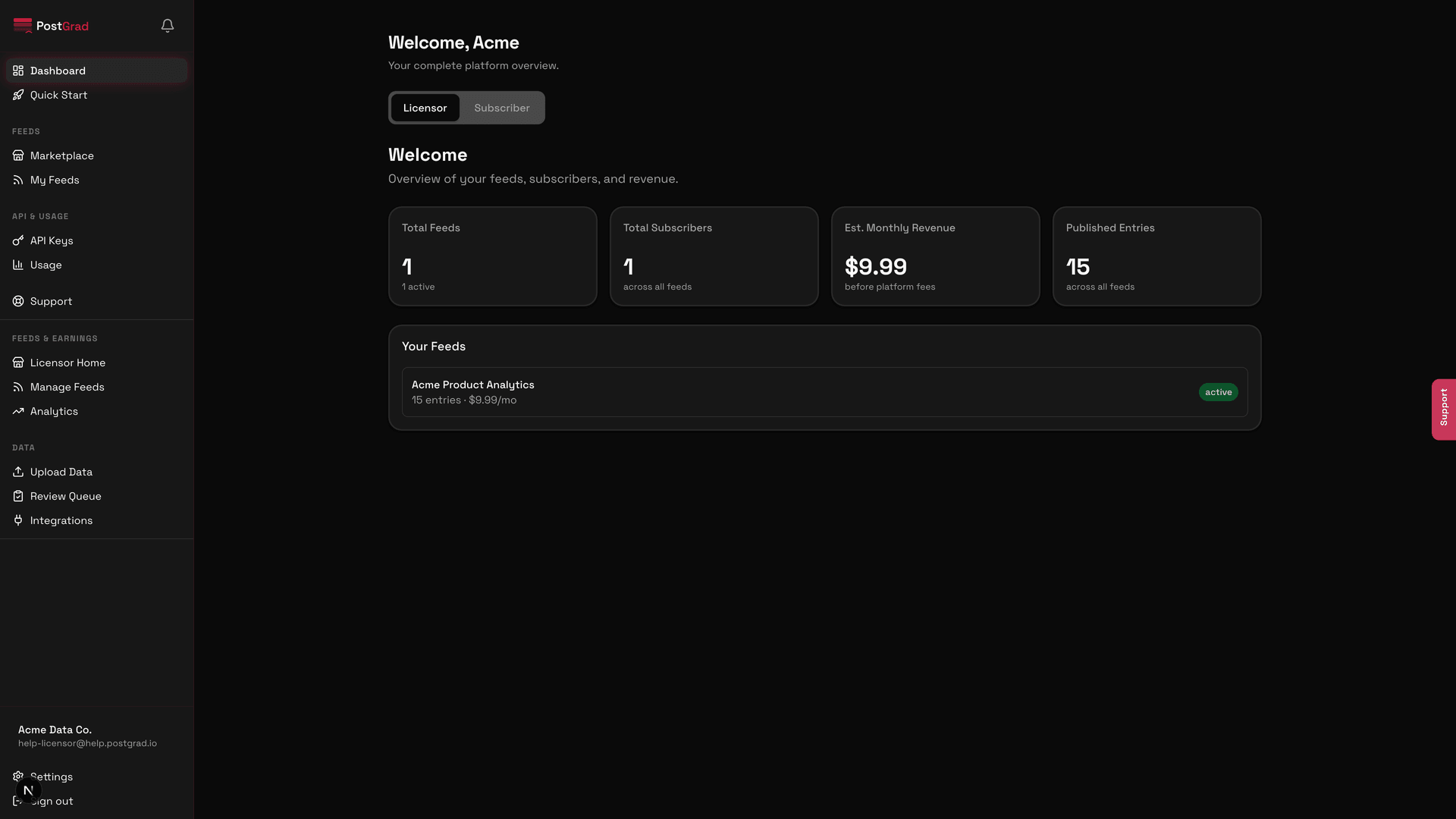
The licensor dashboard home showing the welcome panel, onboarding checklist, and the licensor-specific sidebar entries.
5Use the Licensor / Subscriber toggle to switch perspectives
The role toggle at the top of the dashboard showing Licensor and Subscriber tabs.