Tune the confidence floor, PII scrubbing, category whitelist, and source filters so PostGrad extracts the knowledge you actually want.
Every feed has an extraction profile — a set of knobs that control what the extraction engine adds automatically, what it flags for review, and what it drops. Good defaults cover most cases; tuning these makes the difference between a noisy feed and a sharp one.
Before you start: you have a feed with at least a few entries in it (Upload knowledge).
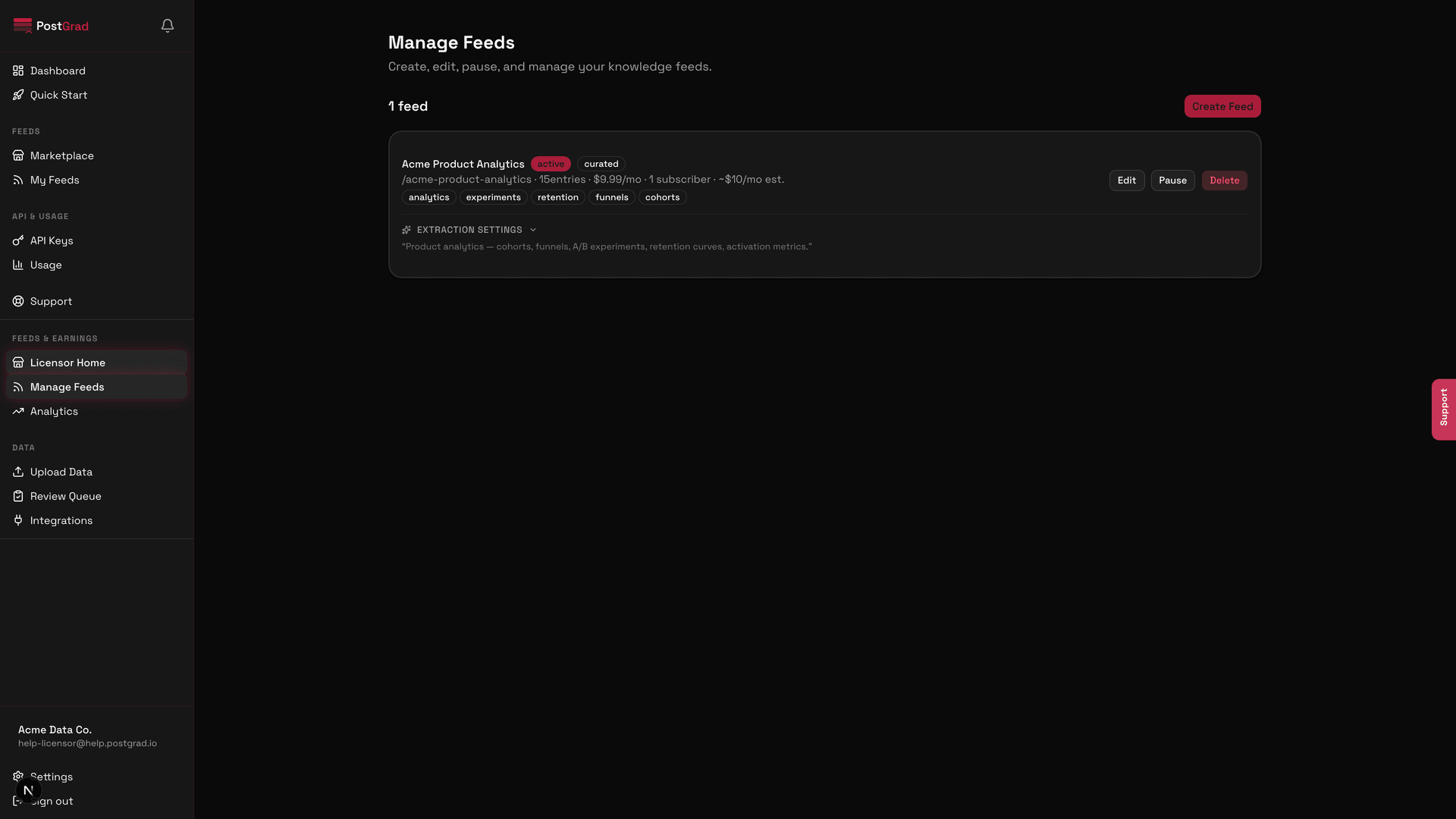
1Open the feed's settings page
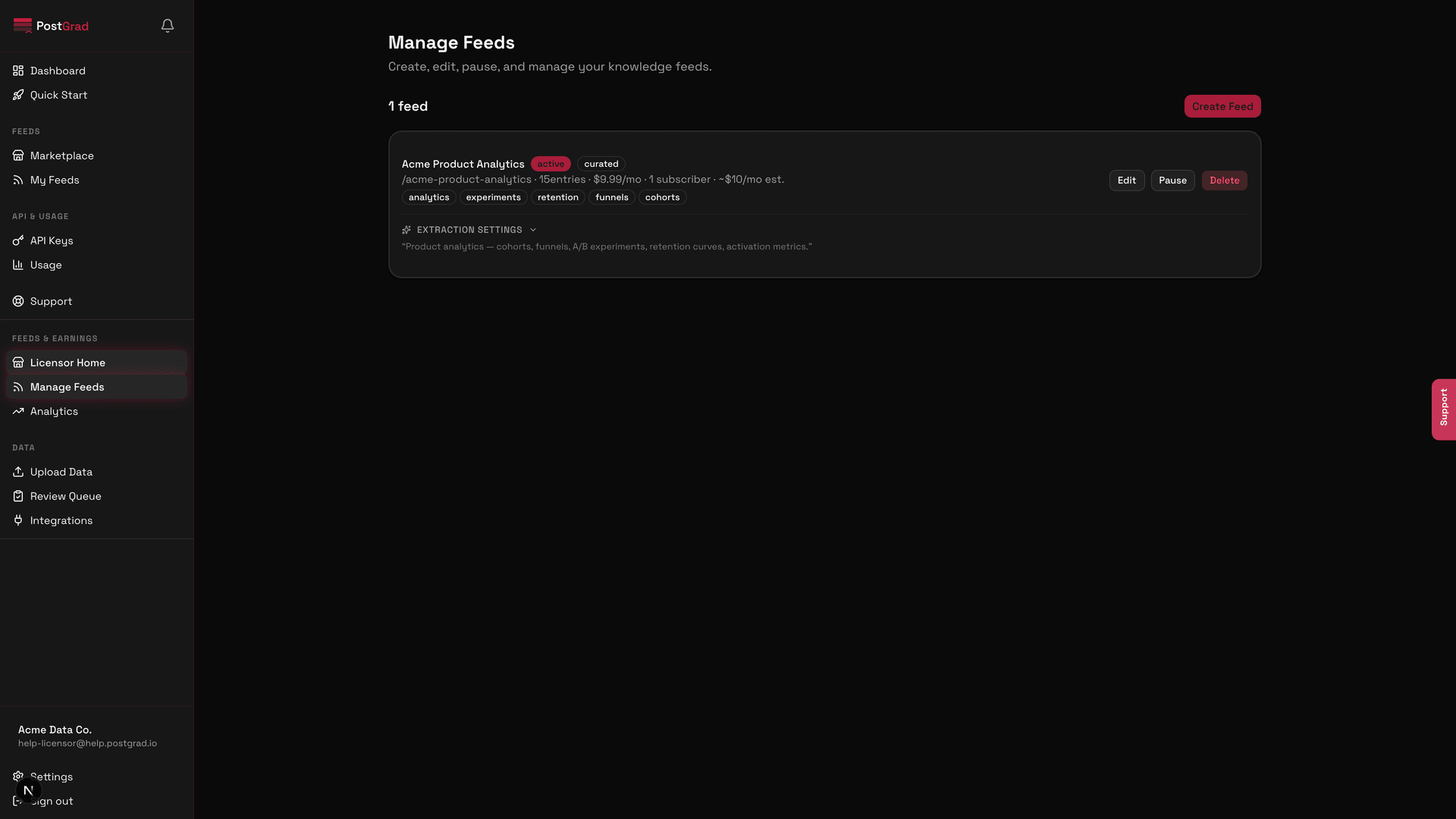
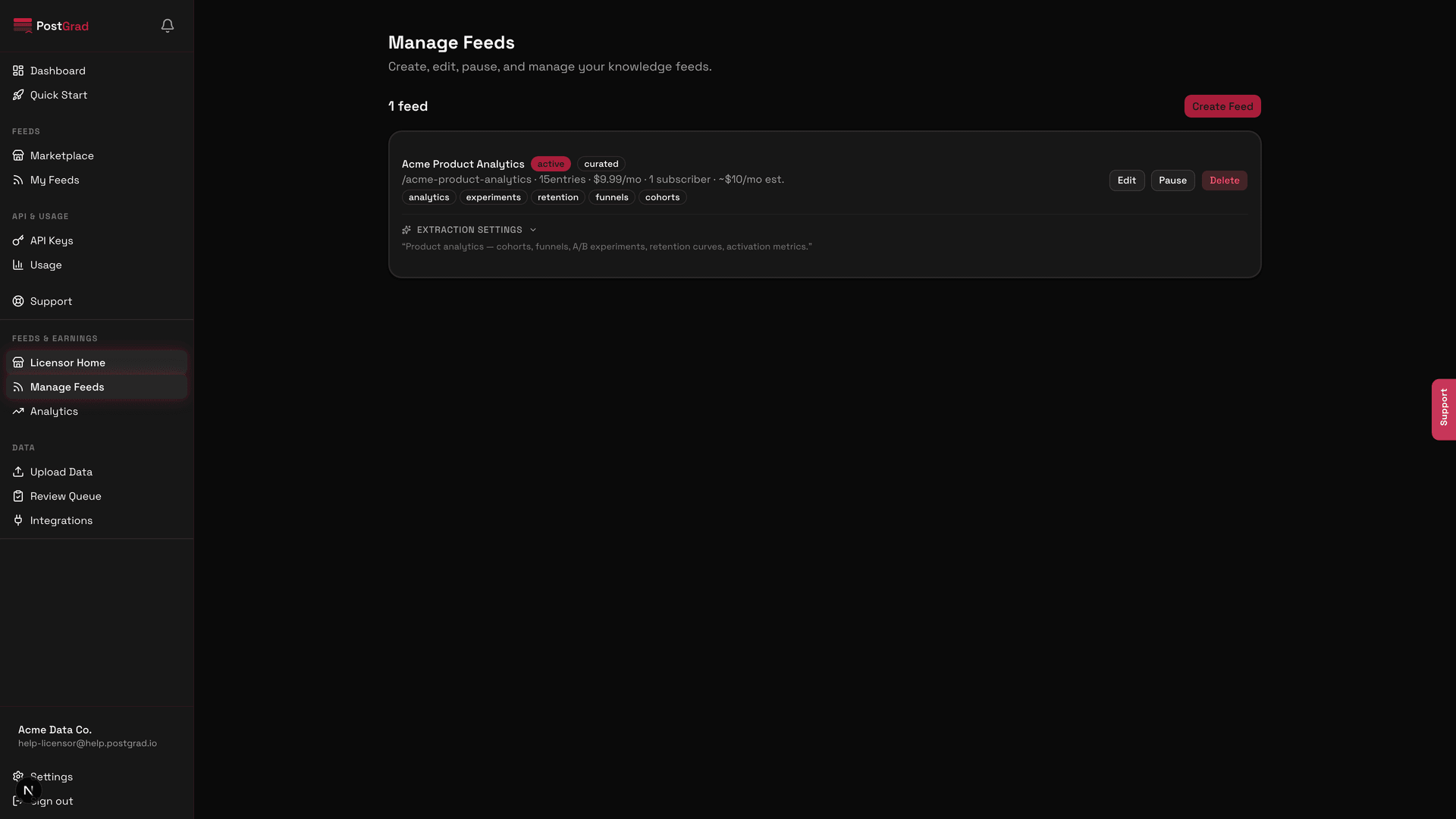
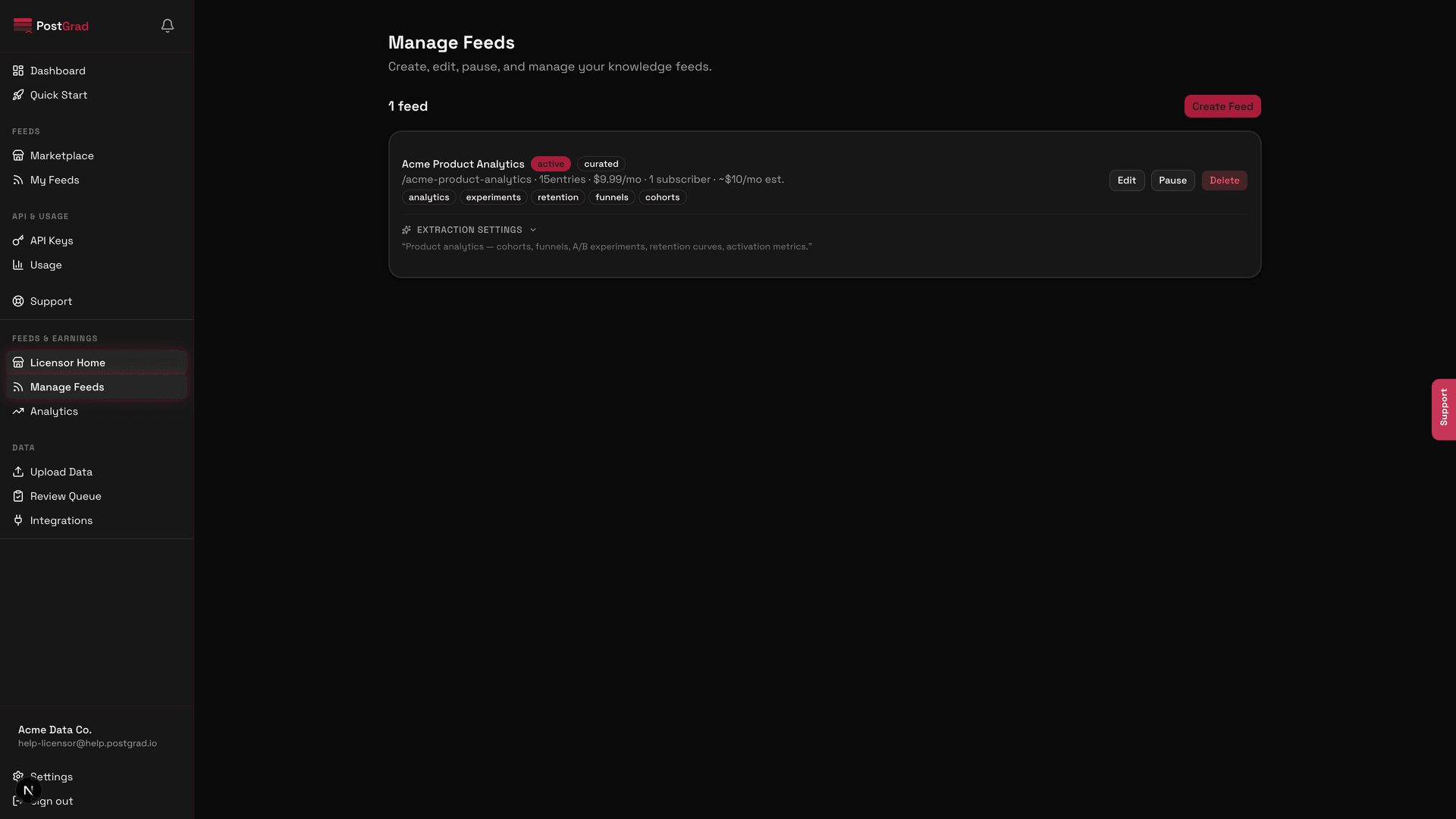
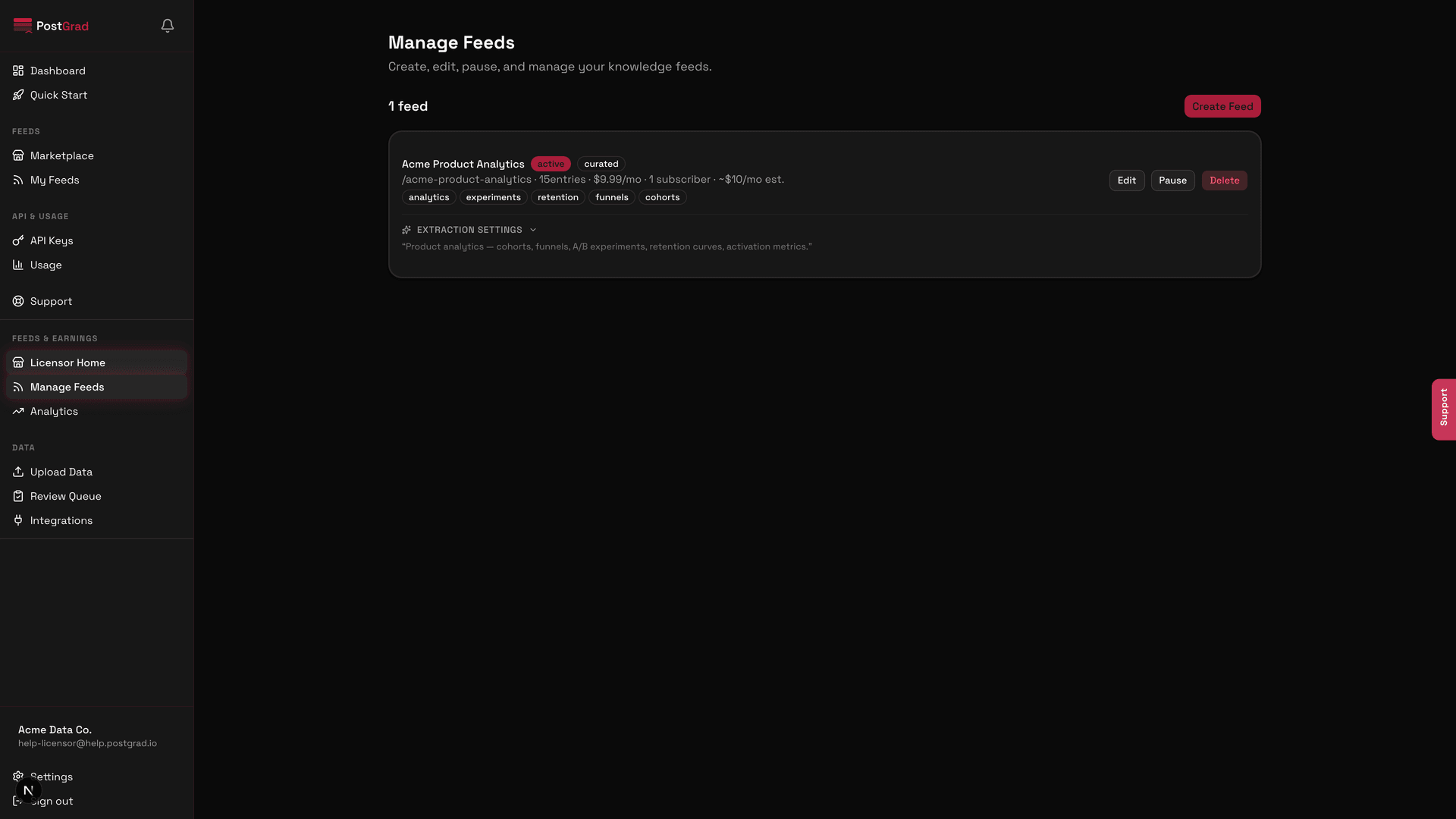
The licensor feed detail page with a Settings tab visible, showing a section labelled 'Extraction'.
2Set the confidence floor
The confidence floor slider showing a range from zero to one hundred with seventy selected.
For a noisy feed, try seventy-five for a week and see if the queue size matches your review capacity. You can always ease back.
3Turn on the PII scrubber
The PII scrubber toggle set to on, with an expandable list of categories: emails, phone numbers, addresses, credentials.
4Whitelist categories
A multi-select listing the categories the extraction engine is allowed to assign for this feed.
5Configure source-type filters
The source-type filter panel with RSS, webhook, CSV, and paste toggles.
6Save and verify on the next upload
The Save button with a confirmation banner showing the settings took effect and will apply to the next extraction run.